

 ChatGPT
 Claude
 Grok
Grok
 Perplexity
 Gemini
KEY TAKEAWAYS
- Pre-printed checks lock you into a fixed look that is hard to change when your details do.
- OnlineCheckWriter.com, powered by Zil Money, gives you control over your check layout and format from any browser.
- You place your logo, fields, and details where you want them, then print on blank stock with a standard printer.
- The same layout works across multiple bank accounts, each with its own correct details.
- Checks can go out on paper, by mail, or digitally as eChecks once the layout is set.
A check is a small document that carries a lot of weight, and its layout is not just cosmetic. The placement of the payee line, the amount, the account details, and your logo all shape how professional and trustworthy a check looks. When you rely on pre-printed stock, that layout is frozen the day you order it. OnlineCheckWriter.com, powered by Zil Money, puts the check layout and format in your hands, so you control how every check looks and print it on demand.
The Real Problem With Fixed Check Formats
If your business writes checks regularly, the way they look and the details they carry matter. Pre-printed formats make change painful. Move offices, rebrand, add a bank account, or update a detail, and the boxes you already paid for are out of date. You either keep using outdated checks or reorder and wait.
Layout also ties into security. The Association for Financial Professionals’ 2026 Payments Fraud and Control Survey found that checks were the payment method most targeted by fraud, with 58% of organizations hit in 2025. Control over how and when checks are produced is part of keeping them secure.
“Your check layout should change when your business does, not months later when the next box arrives.”
How to Customize Your Check Layout and Format
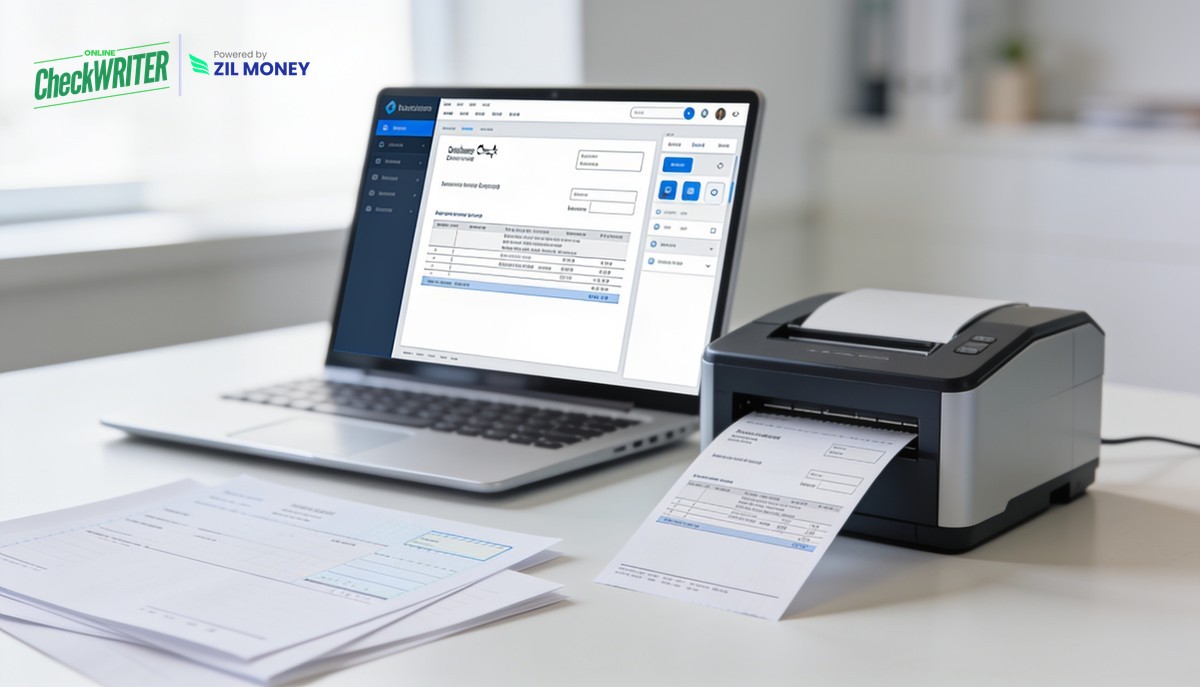
- Arrange the check the way you want. Place your company logo, choose the fonts, and set where each field sits using the drag-and-drop editor. You decide how the finished check looks, and the platform gives you the tools to build it.
- Print on blank stock or plain paper. Once your layout is set, print it on blank check stock or plain white paper with any standard printer. There is no pre-printed box to match and no reorder when a detail changes.
- Reuse one layout across accounts. Apply your format to each of your connected bank accounts, with the correct account and routing details filling in automatically for whichever account you select.
- Send checks however you need. With the layout ready, send checks on paper, have them mailed for you, or deliver them digitally as eChecks by email or text, all from the same platform.
Control Over Format Is Control Over Your Brand
For years, a business check looked however the printer set it up, and changing it meant a phone call and a wait. That made the check one of the few documents a company could not easily control. The result was outdated logos, old addresses, and formats nobody loved.
Owning the layout flips that. When you can adjust the design and print immediately, your checks stay current with your brand and your details. A check that looks clean and consistent is not just nicer to send; it is easier for a payee to trust.
Your checks should look the way you want, every time. With OnlineCheckWriter.com, powered by Zil Money, you can set your check layout and format online, print on demand for any account, and send checks the way each payee prefers. Getting started online is quick.
Stuck With a Check Format You Cannot Change?
Design your layout, print on blank stock, and update it whenever your details change.
Frequently Asked Questions
Can I add my logo and choose the layout?
Will the layout work for more than one bank account?
Can I send a check after designing it, or only print it?
OnlineCheckWriter.com, powered by Zil Money, is a financial technology company and not a bank. Banking services are provided by our partner bank, Member FDIC. FDIC insurance applies only to eligible products associated with those that have funds held in accounts at the partner bank, subject to applicable limits and requirements.