

 ChatGPT
 Claude
 Grok
Grok
 Perplexity
 Gemini
Last reviewed: August 2026
Quick answer: Bank checks online means designing, printing, and mailing a real check tied to your business bank account from your computer, instead of ordering pre-printed checkbooks from your bank. OnlineCheckWriter connects to more than 22,000 banks. Set up a MICR laser printer and blank check stock once, and a business can print that check the same day it’s needed, no mailed checkbook required.
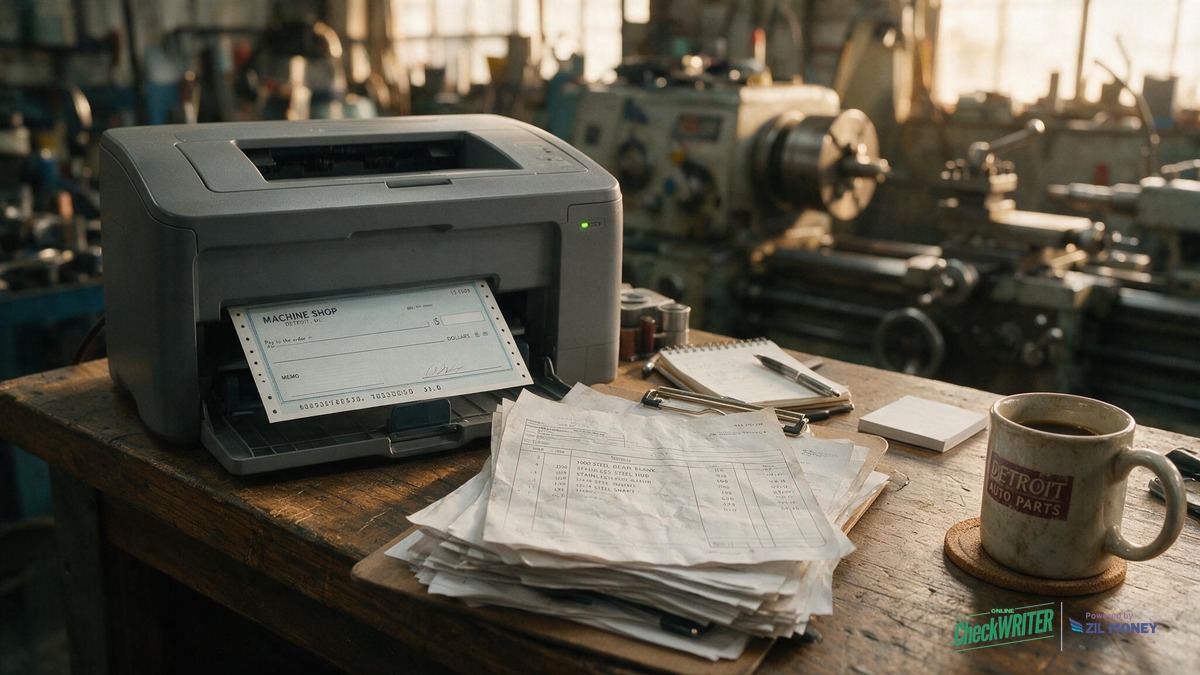
For a small auto-parts machine shop in Detroit, that difference shows up every week. A supplier wants payment before the next order ships. Payroll still has to go out on time, direct deposit or not. OnlineCheckWriter lets the shop print both from one dashboard instead of waiting on the bank’s checkbook reorder schedule.
Key Takeaways
See how OnlineCheckWriter handles it →
What Does “Bank Checks Online” Actually Mean?
A bank check online is a real check, drawn on your business’s actual bank account, that you design and print yourself instead of ordering from a pre-printed checkbook. You are not printing a fake or substitute check. The account number, routing number, and check number are the same as they would be on a bank-ordered check; the only difference is who prints it and when. A shop juggling supplier orders and biweekly payroll can print the exact check it needs, from the right account, the moment it’s needed, rather than pulling from a fixed box of pre-numbered stock.
Is It Legal for a Machine Shop to Print Its Own Bank Checks?
Yes, printing your own business checks on blank check stock is a normal, accepted practice, not a workaround. Banks process a self-printed check the same way they process any other check, as long as it carries an accurate MICR line, account and routing numbers, and a valid signature. Banks and check-clearing rules do not require that a check come from a pre-printed checkbook; they require that the check be genuine and machine-readable. The Federal Reserve’s own guide to Regulation CC covers how banks handle check collection and funds availability, and it makes no distinction between a bank-ordered check and one printed in-house on compliant stock. A supplier who deposits the check is dealing with their own bank, not yours, so from their side it clears the same way any other check does.
What Do You Need to Print a Bank-Compliant Check In-House?
Printing a check a bank can actually process takes more than a regular office printer. The line of numbers along the bottom of a check, the MICR line, has to be printed in magnetic ink or magnetic toner so a bank’s reader-sorter equipment can scan it. A standard inkjet printer cannot do this, no matter how sharp the print looks. A laser printer loaded with ordinary black toner cannot do it either. A machine shop that wants to print its own bank checks needs a laser printer specifically loaded with MICR toner, along with blank check stock sized to match its account setup. Skip either piece and the check gets bounced back for manual handling. That erases the time you saved by printing in-house.
Bank-Ordered Checkbooks vs. Printing Bank Checks Online
The practical difference shows up the moment you run low. A bank-ordered checkbook means placing an order and waiting for the box to arrive, typically several business days to a few weeks. Blank check stock sitting next to a MICR printer can be printed against immediately.
| Factor | Bank-ordered checkbook | Print your own bank check online |
|---|---|---|
| Lead time | Order and wait for delivery | Print the same day the need comes up |
| Running out before payday or a supplier deadline | Stuck until the next box arrives | Reload blank stock and keep going |
| Multiple bank accounts (operating, payroll) | A separate pre-printed box per account | One login can cover checks for accounts at 22,000+ connected banks |
| Matching the books | Manual entry, numbering can drift out of sync | Syncs with QuickBooks, Xero, Gusto, or Zoho |
| Fraud control | Whatever your bank offers separately | Positive pay can be set up on the same platform |
Can the Same Platform Handle Both Supplier Payments and Shop Payroll?
OnlineCheckWriter can handle both supplier payments and shop payroll from one dashboard. A typical week at a small Detroit machine shop makes the case on its own. Say a steel supplier invoices $4,180 for a delivery and expects payment before the next order ships (figures are illustrative). A tooling vendor needs a check in hand at drop-off. Two days later, payroll for the shop floor is due. No more switching between a checkbook for one and a separate payroll process for the other. The office pulls up the right account, prints the supplier check, then runs the payroll batch from the same dashboard, with each check drawn from the correct account and logged against the matching invoice or pay period.
What Happens When a Machinist Doesn’t Have Direct Deposit Set Up Yet?
Not every shop-floor employee has direct deposit ready on day one, especially a recent hire who hasn’t finished paperwork with a bank yet. Printing a paper check for that employee from the same platform used for supplier payments means payroll doesn’t get held up waiting on one person’s bank details. The check prints and can be handed out or mailed the same day, while direct deposit gets set up for the next pay period.
How Do You Stop a Check If You Catch a Billing Error After It’s Sent?
The right fix depends on whether the check has already left the shop. Mixing these two up is a common way a duplicate payment slips through.
| Situation | What to do |
|---|---|
| Check is printed, but not yet mailed or handed over | Void it inside the platform, shred the printed original so it can’t be deposited, and print a corrected check. |
| Check has already left the shop (mailed or handed to the supplier or employee) | Place a stop payment request with your bank before it clears. |
Does It Work With QuickBooks and the Accounting Software Detroit Shops Already Use?
OnlineCheckWriter integrates with QuickBooks, Xero, Gusto, and Zoho. Using the earlier example, once the bookkeeper enters that $4,180 steel-supplier bill in QuickBooks against its purchase order number, the printed check can carry the same PO number on its memo line. At reconciliation, the check number and amount in the bank feed match the bill already logged in the books, instead of a bookkeeper trying to match a hand-written check against an invoice from memory.
How Do You Catch a Fraudulent or Altered Check Before It Clears?
Printing your own checks puts your real account and routing numbers on every copy, which is a good reason to pair in-house printing with a fraud control like positive pay. The service sends your bank a list of every check you’ve issued: number, amount, payee, and date. The bank checks that list before it pays any check out. OnlineCheckWriter’s positive pay identifies:
- An altered dollar amount
- A changed payee name
- A forged signature
- A check number that shows up twice
Positive pay cost: $199.99 per account · Platform setup: typically within 24 hours · Bank enrollment: a separate step your bank has to complete on its own end
Positive pay is an optional add-on; base check printing and mailing run on OnlineCheckWriter’s standard subscription plans. For a shop cutting checks to more than one supplier plus payroll every pay period, the added fraud layer matters more than it would for an account that rarely writes a check.
How Do You Set Up Bank Checks Online for a Machine Shop?
- Confirm you have a laser printer and MICR toner on hand; both are required for a check your bank will accept.
- Order blank check stock sized to match each bank account the shop uses, such as a separate operating and payroll account.
- Sign up with a check-printing platform such as OnlineCheckWriter and connect the shop’s bank accounts.
- Connect QuickBooks, Xero, Gusto, or Zoho if you want supplier and payroll details to pull in automatically.
- Enter the payee, amount, and a memo line, such as a purchase order number, for the supplier invoice or the pay period you’re covering.
- Review the check on screen, including which account it’s drawn from, before printing or sending it to be mailed.
- Print the check on the MICR laser printer, or route it through the mailing service, then record the payment in your books.
Set up positive pay on any account that regularly writes checks to outside suppliers, so a check with the wrong details gets caught before it clears.
Out of Checks Before Payday? Print the Next One Today
Connect your shop’s bank accounts and see what it takes to print your first supplier or payroll check on blank check stock with a MICR laser printer.
Frequently Asked Questions
Will my bank actually accept a check I printed myself?
It should, as long as the check has an accurate MICR line printed in magnetic toner, correct account and routing numbers, and a valid signature. Banks process a self-printed check the same way they process a pre-printed one; final acceptance still comes down to your bank’s own review.
What printer do I need to print bank checks online?
You need a laser printer loaded with MICR toner. A standard inkjet printer, or a laser printer running ordinary black toner, will not produce a MICR line that a bank’s equipment can read.
Is printing your own bank checks online safe?
It can be, with a few basic controls in place: a laser printer loaded with MICR toner so the check is machine-readable, blank check stock stored somewhere only authorized staff can reach, and positive pay enrollment so your bank flags an altered or duplicate check before it clears.
What happens to payroll if a new employee hasn’t set up direct deposit yet?
A paper check can be printed for that employee from the same platform used for supplier payments, so payroll goes out on time while direct deposit gets set up for a future pay period.
Do these checks work with QuickBooks?
OnlineCheckWriter integrates with QuickBooks, Xero, Gusto, and Zoho, so the details on a printed check can match what’s already in the shop’s books.
How do I stop a check I already sent if a supplier’s invoice was wrong?
Voiding a check inside the platform only works before it’s been sent. Once a check has left the building, a stop payment request placed with your bank is the way to prevent it from clearing.
What does positive pay catch on a self-printed check?
OnlineCheckWriter’s positive pay compares every check you issue against the list your bank has on file and flags a mismatch, such as an altered dollar amount, a changed payee name, a forged signature, or a duplicate check number, before the check clears.
What is blank check stock?
Blank check stock is check-sized paper that already has security features like watermarks and micro-print borders, but no account number, routing number, or check number printed on it yet. A check-printing platform fills in those details and the MICR line when you print, so the paper itself isn’t tied to any bank account until then.
A machine shop doesn’t get to pick when a steel order needs paying or when payroll falls due; both run on their own clock, not the bank’s checkbook reorder schedule. Set the MICR printer up once, connect positive pay, and the next check, whether it’s for a supplier or a machinist, is ready the same day it’s needed.
Print Your Next Supplier or Payroll Check Today
Set up MICR printing once, then handle supplier invoices and shop payroll from the same dashboard, without waiting on a bank-ordered checkbook.
OnlineCheckWriter.com – Powered by Zil Money, is a financial technology company and not a bank. Banking services are provided by our partner bank, Member FDIC. FDIC insurance applies only to eligible products associated with those that have funds held in accounts at the partner bank, subject to applicable limits and requirements.