

 ChatGPT
 Claude
 Grok
 Perplexity
 Gemini
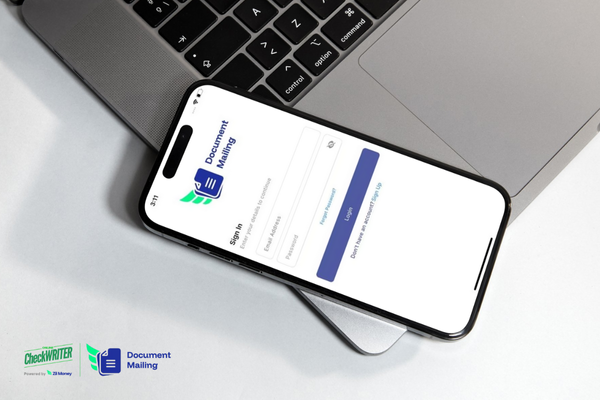
OnlineCheckWriter.com – Powered by Zil Money has launched the Document Mail Mobile App, giving businesses the ability to mail financial documents like checks, invoices, contracts, and statements directly from their smartphones. The app integrates with USPS and FedEx, ensuring secure and reliable delivery without the need for a post office visit.
Key Features of the Document Mail Mobile App
Mail Financial Documents: Send checks, invoices, contracts, statements, and more.
Single or Bulk Mailing: Mail one document or thousands at once in just a few taps.
USPS & FedEx Integration: Dispatch documents using trusted carriers.
Real-Time Tracking: Monitor every document with live status updates.
Transparent Pricing: Know your costs upfront before sending.
Secure Delivery: Enterprise-grade encryption keeps sensitive financial documents safe.
Why It Matters
Businesses still rely heavily on mailing physical financial documents for accounting, compliance, and client needs. The Document Mail Mobile App reduces this process to a few taps, saving time, cutting costs, and adding full transparency to document mailing.
Our Mission
At OnlineCheckWriter.com, our mission is simple: to simplify B2B payments for businesses in the United States. With the Document Mail Mobile App, we extend that mission by helping companies deliver financial documents faster, safer, and more efficiently.