
1M+
Business Accounts
$100B+
Transaction Volume
18M+
Checks Processed


Why Choose Document Vault?
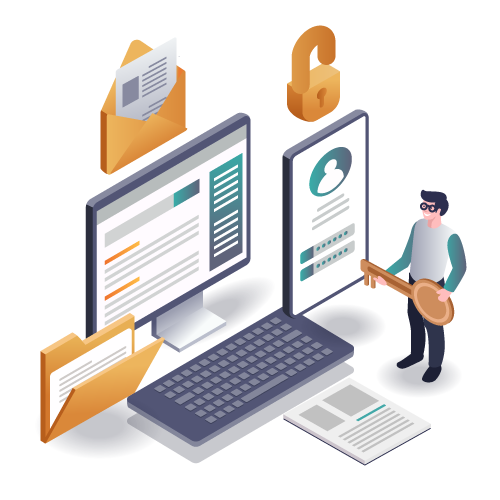
Security You Can Trust
Bank-level encryption protects your files at rest and in transit.
Convenient Access Anywhere
Access your documents from any device, anytime you need them.
Seamless Collaboration
Share files securely and control who sees what with permissions.
Simple and User-Friendly
No training needed—upload, organize, and share in just a few clicks.
Feature Highlights
Secure Storage
Your files are encrypted and protected with industry-standard security.
Rest easy knowing your data is safe.
Encrypted Uploads
Every file is encrypted during upload so it stays private from the start.
Upload with confidence.
Organized Folders & Find
Create folders, and find any document in seconds.
Stay organized effortlessly.
Easy Sharing
Generate secure links to share files with clients, partners, or team members.
Share securely in one click.
Access Control & Permissions
Set role-based permissions to control who can view, edit, or share your documents.
You decide who sees what.
How It Works
Upload Documents
Drag and drop documents into your secure vault.
Organize
Create folders to keep everything organized.
Share Securely
Generate secure links or set permissions for team access.
Perfect for Individuals and Teams
For Individuals
Keep your personal documents safe and organized in one secure place.
- Store contracts, certificates, and tax documents
- Organize family records and legal paperwork
- Share files securely with accountants or lawyers
For Teams
Collaborate securely with role-based access and streamlined workflows.
- Manage client files and approvals in one place
- Control permissions for different team members
- Track document activity and maintain audit logs
Trust & Security
Encryption at rest and in transit with industry-standard protocols
Role-based access controls ensure only authorized users can view files
Audit logs track every document action for compliance and accountability
Secure sharing links with expiration dates and maximum download options
Optional two-factor authentication for enhanced account security
Regular security updates and monitoring to protect your data
Frequently Asked Questions
Quick answers to common questions about Document Vault.