

 ChatGPT
 Claude
 Grok
Grok
 Perplexity
 Gemini
Turn an invoice or payment file into a printable check, with no manual data entry.
KEY TAKEAWAYS
- You can create a check from a PDF by uploading the file and letting the platform read the details.
- This removes the manual re-keying that causes most check errors.
- You review every field before you print or mail the check.
- The finished check posts to your digital register automatically.
- The process turns a slow, error-prone task into a quick one.
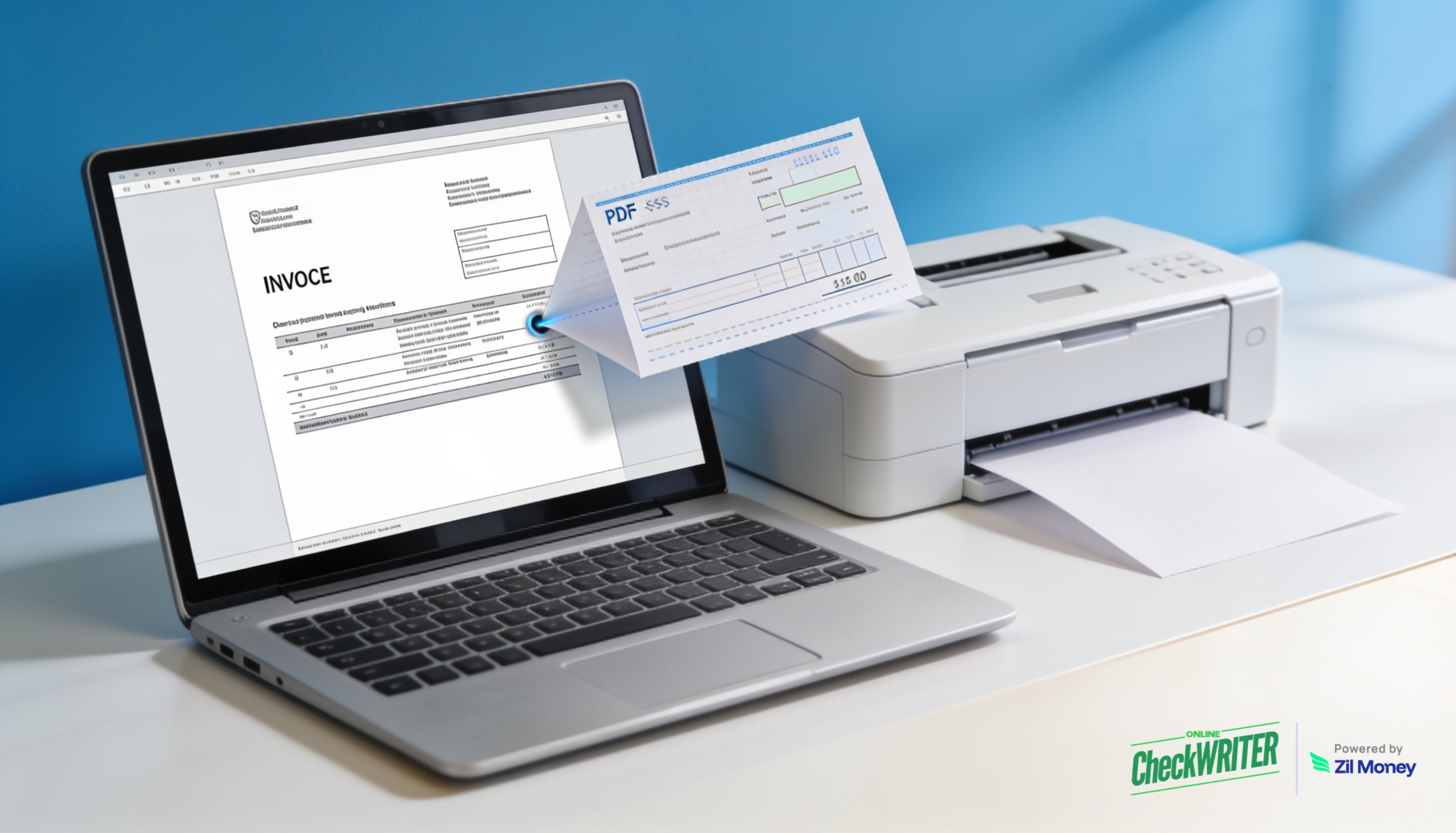
When you create a check from a PDF, you stop copying a payee, an amount, and a date from a screen into a check by hand. You upload the file, the platform pulls the details, and you confirm. For an AP team handling stacks of invoices, that change removes the single most common source of payment mistakes. OnlineCheckWriter.com, powered by Zil Money, reads your PDF and quickly builds a ready-to-print check.
The Real Problems With Manual Re-Keying
Typing payment data by hand looks quick for one check. Across dozens, it becomes a real liability.
One wrong digit ruins the payment. A transposed amount or a misread account number means a failed or incorrect payment. Then you void and start over.
Invoices arrive in many formats. A PDF from one vendor looks nothing like the next. So manual entry slows down as your team adapts to each layout.
Volume makes errors more likely. The tenth invoice of the afternoon gets less attention than the first. Tired eyes miss details.
Re-keying is slow. Every minute spent copying numbers is a minute not spent on real finance work.
Mismatched records pile up. When the check and the source file do not match, reconciliation later turns into detective work.
“Upload the file, confirm the details, and print the check.”
How OnlineCheckWriter.com Helps You Create a Check From a PDF
Each fix below maps to a problem above, not to a feature list.
Read the file for you. You upload the PDF, and the platform pulls the payee, amount, and date into a new check. So you create a check from a PDF without typing those details again.
Handle different layouts. The tool works across the varied formats vendors send. Therefore, your team stops adjusting to each new invoice style by hand.
Keep a review step. You check every field on screen before printing. As a result, you catch anything that looks off while it is still easy to fix.
Print or mail your way. Once the check is ready, you print checks in-house or let the platform mail them. Either path records the same entry.
Connect to your other tools. The check posts to a checkbook register online automatically. You can also create a check draft online from scratch when there is no file to start from.
Turn a PDF into a check
Upload an invoice and let OnlineCheckWriter.com build a ready-to-print check for you.
Why PDF-to-Check Conversion Matters
Checks remain a core business tool. The 2025 AFP Digital Payments Survey reports that checks still make up 26% of B2B payments across the US and Canada. So many finance teams still cut checks every week.
However, the manual parts of that work no longer make sense. Invoices arrive as digital files, yet many teams still re-type the numbers into a check. That extra step adds time and invites mistakes. Pulling the data straight from the PDF closes that gap.
Cleaner data also means cleaner books. When the check matches the source file, reconciliation gets simple. Fewer mismatches mean fewer hours spent chasing differences at month-end. Sign up today to see how fast a PDF becomes a printable check.
Frequently Asked Questions
What does it mean to create a check from a PDF?
It means you upload a PDF, and the platform reads the payment details into a new check. You confirm the payee, amount, and date. Then you print or mail the check. You never re-type the data by hand.
What kinds of PDFs work?
Invoices and payment request files are the common ones. The tool reads the key fields and places them on the check. You always review the result before printing.
Do I still need to check the details?
Yes. A review step is built into the process. You confirm every field on screen, which catches any misread number before you print.
Where does the finished check go in my records?
It posts to your online checkbook register automatically. So your books update the moment the check is created, with no separate logging step.
OnlineCheckWriter.com, powered by Zil Money, is a financial technology company and not a bank. Banking services are provided by our partner bank, Member FDIC. FDIC insurance applies only to eligible products associated with those that have funds held in accounts at the partner bank, subject to applicable limits and requirements.