

 ChatGPT
 Claude
 Grok
Grok
 Perplexity
 Gemini
Turning a PDF check into a payment you can print and send should be simple. Often it is not. Here is how to fix each snag.
Key Takeaways
- A PDF check is easy to view but hard to print and pay correctly.
- Alignment, MICR, and formatting break when you print a raw PDF.
- Editing a flat PDF check by hand invites costly errors.
- Loose PDF files are a security and record-keeping risk.
- OnlineCheckWriter.com, powered by Zil Money, turns a PDF into a print-ready, trackable check.
- The right setup keeps your check data in one clean place.
A PDF check looks finished on screen, yet it rarely prints the way you expect. First the layout shifts. Then the MICR line reads poorly, and the bank rejects it. Meanwhile, you still need to mail or record the payment. Handling checks this way turns a quick task into a slow one. Fortunately, OnlineCheckWriter.com, powered by Zil Money, makes a PDF check easy to create, print, and track.
The Real Problems With Working From a PDF Check
A PDF feels like a solution, but it creates its own headaches. Each one is small until it stops a payment. Here are the problems teams hit most.
- Printing a raw PDF breaks the layout: Margins shift, and fields land in the wrong place. As a result, the check prints crooked or off-center. Then you reprint and waste stock.
- MICR lines do not always read: A scanned or exported PDF can blur the MICR line. Because the bank reads that line to process the check, a poor print gets rejected. So the payment stalls.
- Editing a flat PDF is risky: Changing a payee or amount in a PDF is clumsy. Moreover, a manual edit can leave the wrong number in place. That mistake can send the wrong sum to the wrong vendor.
- No record ties the PDF to your books: A loose PDF file lives in an email or a folder. Therefore, it does not connect to your payment records. Reconciling later becomes a hunt.
- Stored check PDFs are a security gap: A PDF holds your account and routing details. When it sits in a shared drive, more people can see it. That exposure adds risk you cannot easily track.
- Every PDF is a one-off: You rebuild the same check each time. In addition, there is no template to reuse. So the slow process repeats with every payment.
Checks still carry real risk. In fact, checks remain the payment method criminals target most, according to an AFP survey reported by Nacha. So how you handle check data matters.
“Turn any PDF into a print-ready check, then send it in a few clicks.”
How OnlineCheckWriter.com Solves These Problems
Each fix below maps to a problem above, not to a feature list.
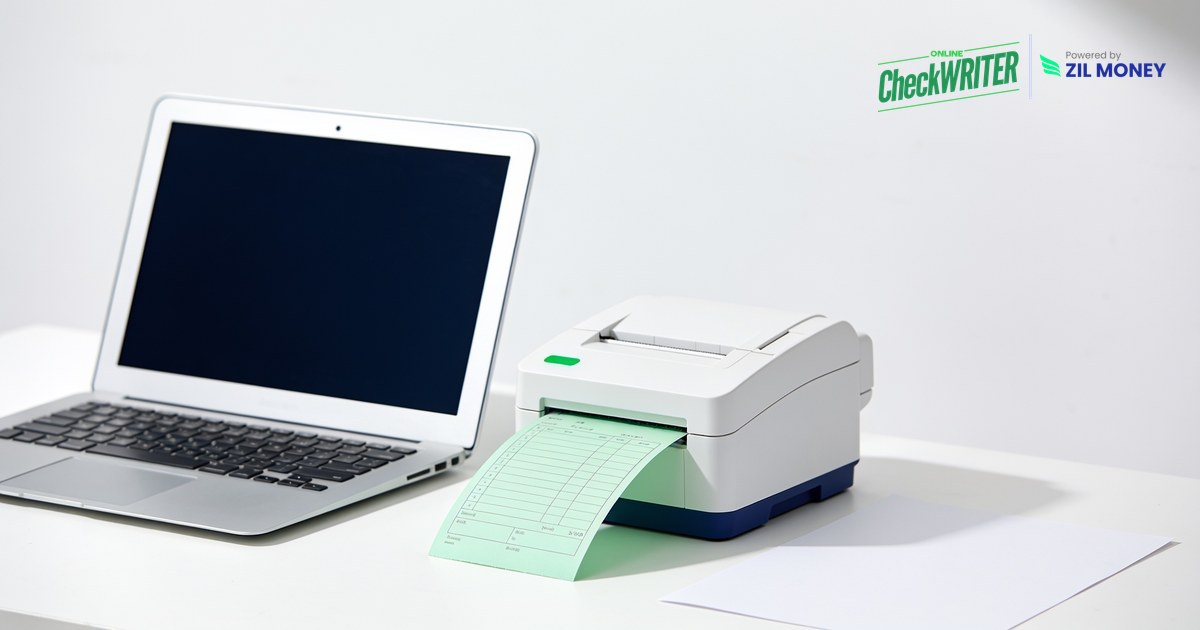
- Create a print-ready check from a PDF: The platform builds the check in the correct layout. Because the format is fixed, it prints clean and centered every time. See how you can create checks from a PDF in a few steps.
- Accurate MICR on every print: The platform encodes the MICR line for you. As a result, banks read the check cleanly, and rejected prints drop.
- Structured fields, not manual edits: You enter the payee and amount in clear fields. So there is no clumsy PDF editing and less room for a costly typo.
- One record for every check: Each check you create is logged. Therefore, your payments tie back to your books, and reconciliation takes minutes. You can also add Positive Pay to help your bank flag mismatches.
- Controlled access and security features: Your check data lives in one place, not scattered across drives. In addition, design controls help reduce tampering. That narrows the openings criminals look for.
- Reusable templates: Save a layout once and reuse it. Because the format is ready, each new check is quick. Better yet, you can print checks on demand from any browser.
Turn a PDF Into a Print-Ready Check
Enter the details, and the platform formats, prints, and logs the check, or mails it for you. See how it fits your workflow.
What a Clean PDF Check Workflow Looks Like
The problem is rarely the PDF itself. Instead, it is the gap between a flat file and a check your bank can process. A strong workflow closes that gap. You start with structured fields, so the data is right before anything prints.
From there, the details fall into place. The layout stays fixed, the MICR line encodes cleanly, and templates make the next check fast. As a result, you stop rebuilding checks one at a time.
Security and records finish the job. When your check data sits in one system, fewer people handle raw account numbers. Meanwhile, a digital log ties each check to your books for easy reconciliation. Because checks stay a common target for theft, these controls are worth the setup. Sign up today to see how the workflow fits your team.
Frequently Asked Questions
What is a PDF check?
Can I print a check from a PDF?
Is it safe to store check details in a PDF?
Do I need special software to handle a PDF check?
Can I reuse a PDF check layout?
OnlineCheckWriter.com, powered by Zil Money, is a financial technology company and not a bank. Banking services are provided by our partner bank, Member FDIC. FDIC insurance applies only to eligible products associated with those that have funds held in accounts at the partner bank, subject to applicable limits and requirements.