☰ ON THIS PAGE
5 min read

Share or save for later - this guide is updated as content evolves.

Send Multiple or Group eChecks to a Single Email Efficiently

Send Multiple or Group eChecks to a Single Email Efficiently, Create And Print Checks Send Via Email or Mail Pay By ACH, Wire, Payment Link

Former Content Lead

Fintech writer with a background in business payments
Published on Jul 2, 2024
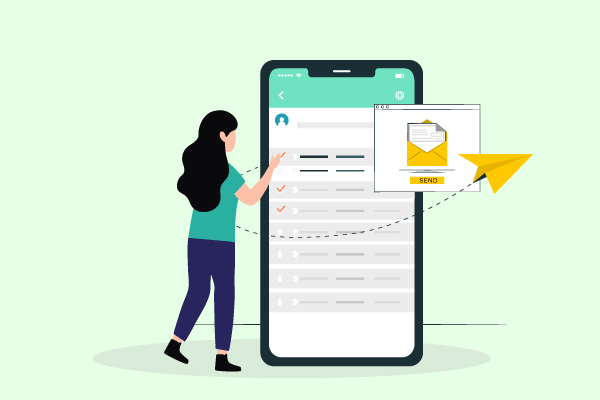
A Women Standing Next To A Smartphone Send Multiple or Group eChecks to a Single Email Efficiently

Businesses can now streamline their payment processes by sending multiple eChecks or group eChecks to a single email address. OnlineCheckWriter.com – powered by Zil Money, offers this eCheck service at highly affordable rates. Users benefit from the flexibility to customize and select pricing options that best suit their needs, ensuring a seamless and cost-effective solution for managing payments.

Simplify Your Finances and Send eChecks Instantly

The eCheck payment process with OnlineCheckWriter.com – powered by Zil Money, allows you to send money electronically via email or text. Instead of paper checks, you can send an eCheck as a printable PDF. The recipient can print and use it like a regular check. You can also send group eChecks as recurring and bulk payments. The service is affordable, with customizable pricing options. The platform also allows users to send checks via check by mail service at affordable costs.

Customize and Print Checks Easily – Save Time and Money

Businesses can easily customize and print checks online with OnlineCheckWriter.com – powered by Zil Money, using a printer and blank stock paper or plain white paper. You can choose from various check templates to customize and print checks at home, even without design skills. Also, it saves time and 80% of money compared to ordering pre-printed checks and waiting 3 to 5 days for delivery.

You may also like

Check Maker for Small Business: A Macon, GA Salon Example

Quick answer: A check maker builds a business check from details you type in, so you do not have to fill in each check by hand. Have your business name, your bank routing and account numbers, and each payee’s exact name and address ready. With OnlineCheckWriter,...

Wave Accounting Integrations: A Gainesville Check Routine

Quick answer: OnlineCheckWriter’s Wave integration connects to your Wave account and imports your invoices and payees list. You can then print, email, or mail checks. Vendor bills may not come across, so import one test first. See the Wave steps. Updated October...

Send an eCheck by Email: Steps and Payee Instructions

Last reviewed October 2, 2026. A contractor does not take ACH, and a mailed check would take days to arrive. You can email the check instead, as a PDF. With OnlineCheckWriter, you connect your bank account, create the check, and email it to your payee. They print it...

OnlineCheckWriter.com, powered by Zil Money® is a financial technology company, not a bank. Banking services provided by Citizens Bank, N.A., Member FDIC.