

 ChatGPT
 Claude
 Grok
Grok
 Perplexity
 Gemini
Last reviewed: September 2026
Quick answer: If a Louisville auto repair shop needs to pay a parts supplier or cut a payroll check after the bank has closed, “writing checks online” usually means a service like OnlineCheckWriter, not your bank’s own website. It lets a shop print a check on blank check stock from its own bank account the moment one is owed, with no branch trip and no waiting on a checkbook reorder.
This guide focuses on that third option: printing and mailing your own checks. Parts suppliers want payment before the next order ships. The shop is often open past bank hours. And whoever handles the books is usually elbow-deep in a job, not able to step out to a branch.
Key Takeaways
What Does “Writing Checks Online” Actually Mean?
Writing checks online means one of three things: reordering a checkbook through your bank’s website, using your bank’s built-in tools like bill pay, or using a separate check-writing service that lets a business design, print, and mail its own checks from blank stock. This guide covers that third option: printing checks yourself outside a bank branch.
A service like OnlineCheckWriter does not replace your bank account. Your account, routing number, and available balance stay exactly where they are. What changes is who prints the check and when. Instead of holding a box of pre-printed checkbooks or waiting on a reorder, the shop prints the exact check it needs, from the right account, the moment it’s needed. The service does not handle deposits either. If a customer hands your shop a check, that still goes through your normal deposit process at your bank.
How a Louisville Auto Shop Pays Parts Suppliers Without a Bank Trip
Most bank branches close before a repair shop does. A two-bay shop that stays open into the evening, or opens on Saturday for drop-offs, runs on a different clock than a teller line. Parts suppliers often extend net-15 or net-30 terms on regular orders. But a rush part for a car already on the lift usually means paying on the spot, and the person who signs checks is often the one elbow-deep in that job.
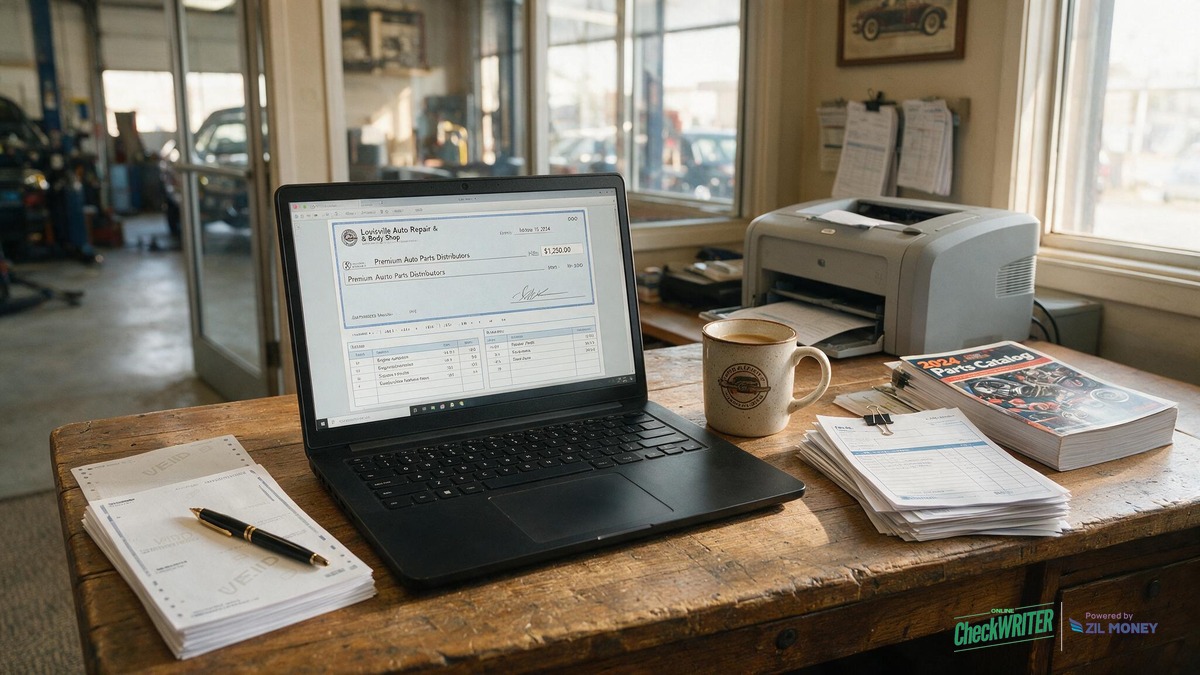
Printing checks online closes that gap. The shop connects its bank account once, keeps blank check stock and a MICR laser printer on hand, and prints a check for a supplier, a landlord, or a one-off vendor whenever it’s owed, with no branch visit required. A shop can also put its own logo and layout on the check design, so a supplier used to seeing a generic checkbook starts getting a check that actually looks like it came from the business. Nobody has to guess how many checks are left in a box before the next reorder arrives.
Is Printing a Check Online Actually Secure?
Printing checks online carries the same basic risks as any paper check, and a few specific habits keep that risk low. Blank check stock made for on-demand printing typically includes watermarks and micro-print borders that make counterfeiting harder. Some stock also uses chemically reactive paper that stains if someone tries to lift or alter the ink with solvents, which is how most check washing happens. The account and routing numbers only print onto the sheet at the moment you print a check, so unused stock sitting in a drawer isn’t tied to your account yet.
Beyond the paper itself, the most useful control is a practical one: keep blank stock somewhere only the person who signs checks can reach, the same way you’d lock up a cash drawer. That habit, combined with tamper-resistant stock, reduces the risk that worries most new users, though no paper check is completely immune to fraud. Some shops layer on a service like positive pay too, which flags a check for the bank to review before it clears if the amount or payee doesn’t match what was actually issued.
What Printer and Paper Do You Actually Need?
A check a bank can actually process takes more than a regular office printer. The strip of numbers along the bottom of a check, the MICR line, has to be printed in magnetic ink or magnetic toner so a bank’s check-reading equipment can scan it.
| Equipment | Produces a bank-readable check? |
|---|---|
| Standard inkjet printer | No |
| Laser printer with ordinary black toner | No |
| Laser printer loaded with MICR toner, plus blank check stock | Yes |
| No printer at all; checks printed and mailed for you | Yes |
If keeping a dedicated MICR printer in the office isn’t practical, a shop doesn’t have to buy one at all. Some businesses choose to have checks printed and mailed for you instead, skipping the printer and check stock entirely while still paying from their own bank account.
| Situation | Waiting on a bank or checkbook | Printing on demand |
|---|---|---|
| A parts supplier wants payment before a rush order ships | Wait for the next branch visit or checkbook | Print the check as soon as it’s needed, no branch visit required |
| A tech is out sick on payday | Hold the check until they’re back in person | Print it and mail it to their address |
| Refunding a customer’s core charge on a returned rebuilt part | Write a handwritten check from a general-purpose checkbook | Print a check tied to the return ticket, with a memo noting the core credit |
| Paying the lease on the shop’s bay | Mail a check ahead of time to make sure it arrives by the due date | Print and send it closer to the due date since there’s no reorder to plan around |
Steps for a Friday Parts-Payable Run
A lot of shops handle vendor payments in a batch at the end of the week. Here’s what that looks like once a bank account and a MICR printer are set up:
- Pull the week’s outstanding parts invoices from your shop management system.
- Match each invoice to the right parts jobber inside OnlineCheckWriter, separating regular stock orders from any core-charge credits.
- Load blank check stock into the MICR laser printer.
- Enter the amount and a memo referencing the invoice number, so reconciliation is easy later.
- Review the check on screen, including which bank account it’s drawn from, before printing.
- Print the check, then choose whether to hand it over in person or have it mailed.
- Log the payment in your accounting software, or let the QuickBooks, Xero, or Zoho connection do it automatically.
Common Check Mistakes Shops Make
A few habits cause most of the problems shops run into with check printing:
- Trying to print on a standard inkjet or a laser printer without MICR toner. Banks can reject or delay a check that doesn’t have a readable magnetic line.
- Leaving the memo field blank on a vendor check, which makes it harder to match the payment to the right invoice weeks later.
- Mailing a payroll check to an old address after an employee moves.
- Printing a check before confirming the linked bank account synced correctly after switching banks.
- Logging a core-charge refund under the same category as a regular parts bill, which throws off parts-cost totals at tax time.
If a check prints wrong, void it in the platform before it’s mailed or handed over. Once a check has already left the shop, a stop-payment request with your bank is the way to keep it from clearing.
Stop Waiting on a Checkbook Reorder
Connect your shop’s bank account and print your next parts-supplier or payroll check on blank check stock whenever it’s due.
Does This Cover Payroll for Your Techs Too?
It does. The same dashboard used to pay a parts supplier can print a payroll check for a technician still finishing their payroll paperwork, or for anyone on the crew who prefers a paper check. Payroll checks and vendor checks draw from whichever account you choose, so a shop doesn’t need two separate systems, one for suppliers and another for the crew. A self-printed payroll check carries the same account number, routing number, and MICR line as one from a pre-printed checkbook, so it moves through the bank’s normal check-clearing process.
Frequently Asked Questions
Is “writing checks online” the same as using your bank’s website?
Not exactly. Your bank’s own website or app is the set of tools it already gives you, like viewing transactions or paying bills. Printing checks online is a separate service that lets you design, print, and mail a real check tied to your own bank account.
Is it safe to print a check on blank stock instead of a pre-printed checkbook?
It can be. Store blank check stock somewhere only the person who signs checks can reach, and confirm the check details on screen before you print. Blank stock made for check printing typically includes security features like watermarks that resist tampering.
Do I need a special printer, or will my office laser printer work?
Only if it’s loaded with MICR toner. A regular office laser printer with ordinary black toner, or any inkjet printer, can’t produce a MICR line a bank’s equipment can read, even though the print looks fine on paper.
Is it legal, and will suppliers and landlords accept a check printed this way?
Yes to both. Printing your own checks on blank check stock is standard, accepted practice, not a workaround. A properly printed check carries the same account number, routing number, and MICR line as one from a pre-printed checkbook. A supplier or landlord’s bank processes it the same way; final acceptance is still up to their own review.
Can I pay a 1099 contractor or a one-off reimbursement this way?
Yes, through OnlineCheckWriter. Any one-off payment, such as a contractor invoice, per diem, or reimbursement, prints the same way as a payroll or vendor check, drawn from the connected account.
Does this replace my shop’s bank account?
No. OnlineCheckWriter connects to the bank account you already use and prints checks drawn from that account. Connecting the account is a one-time setup step inside your dashboard, and your bank still holds the funds and processes the check once it’s deposited.
Can it deposit a check a customer hands me at the shop?
No. OnlineCheckWriter prints and mails checks you’re sending out. A check a customer gives you still goes through your bank’s normal deposit process, including the funds-availability rules covered in the Federal Reserve’s guide to Regulation CC.
What exactly is blank check stock?
Blank check stock is check-sized paper with built-in security features, like watermarks and micro-print borders, but no account number, routing number, or check number on it yet. Those details, along with the MICR line, get printed on at the moment you print a check.
A repair shop doesn’t get to schedule when a parts bill or a payroll date lands, and a bank’s checkbook reorder timeline doesn’t know the difference. Set the MICR printer up once, connect the shop’s bank account, and the next check, whether it’s for a supplier in Louisville or a tech on the schedule, is ready whenever it’s actually due.
Print Your Shop’s Next Check on Your Schedule
See what writing checks online looks like day to day: connect your bank account once, then handle parts-supplier payments and payroll checks from the same place, without waiting on a mailed checkbook.
OnlineCheckWriter.com – Powered by Zil Money, is a financial technology company and not a bank. Banking services are provided by our partner bank, Member FDIC. FDIC insurance applies only to eligible products associated with those that have funds held in accounts at the partner bank, subject to applicable limits and requirements.