

 ChatGPT
 Claude
 Grok
Grok
 Perplexity
 Gemini
Last updated: June 18, 2026
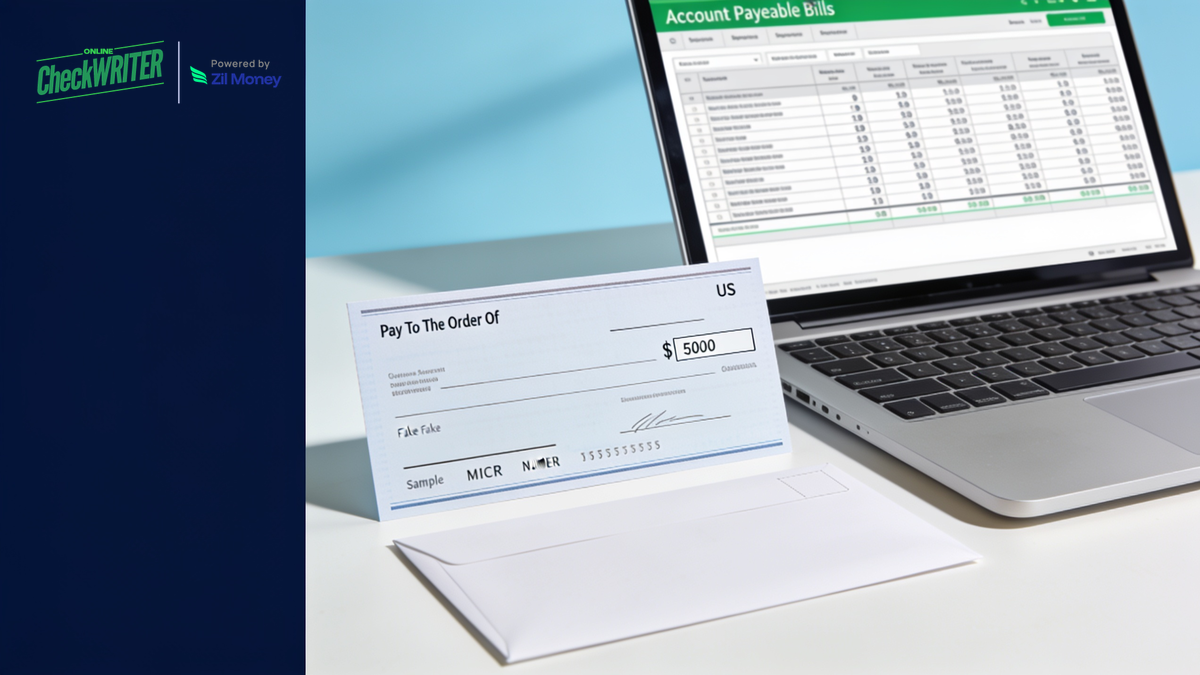
Yes, Xero prints checks in the United States, and as of June 2026 it can also mail them. Xero acquired the US bill-pay platform Melio in 2025, so Xero’s bill payments can now send a printed check to a US vendor for you. The real question is no longer whether Xero handles checks. It is how much control you want over how each check goes out. OnlineCheckWriter.com, Powered by Zil Money, gives you a choice that a pay-and-mail flow does not: print your own checks on blank stock at your desk when you want, or have them printed and mailed for you with your pick of carrier and speed, starting at $1.25 per check plus applicable plan and service fees.
Key takeaways
- Xero prints US checks natively. Blank stock, MICR line, your logo. This is not the gap.
- Xero can also mail checks now. Through its bill payments, powered by Melio (acquired 2025), Xero can mail a printed check to a US vendor in US dollars.
- The choice is what differs. OnlineCheckWriter.com lets you print checks yourself on blank stock, or mail them, and pick the carrier and speed for each one.
- Mailing starts at $1.25 per check plus applicable plan and service fees, with options from USPS First Class up to FedEx Overnight, plus Canada and international.
- More rails, more entities. Pay the same imported Xero bill by ACH, wire, or eCheck, and manage multiple companies and bank accounts in one login.
Can Xero print checks in the United States?
Yes. Xero includes US check printing. You can print a check on blank check stock with a standard printer, the check carries a MICR line so your bank can read it, and you can set the check style with your logo and layout. The old idea that “Xero cannot print checks in the US” is simply not true.
What takes some work is the setup. The first-time check style and alignment take a few tries, and the stub is limited when you pay several bills on one check. Those are real frustrations, but they are not the same as “Xero cannot do checks.” It can.
Can Xero mail checks for me, or do I have to mail them myself?
Xero can mail checks for you, as of June 2026. After Xero acquired the US bill-pay platform Melio in 2025, Xero’s bill payments can send a printed check to a US vendor on your behalf, so you do not have to stuff and stamp every check by hand. That native mailing is built for US vendors paid in US dollars.
So mailing is no longer a flat gap in Xero. The difference now is one of choice and range:
- Xero’s native mailing is a pay-and-send flow for US vendors in USD.
- OnlineCheckWriter.com lets you decide, per check, whether to print it yourself on blank stock or mail it, and which carrier and speed to use, across multiple companies and bank accounts.
If Xero’s native flow covers everything you need, use it. If you want to keep the option to print your own checks, choose the mail class yourself, or run checks for several entities from one place, that is where a connected tool earns its keep.
How do I print a check from Xero, step by step?
You print a Xero check by recording the payment against your US bank account and then using Xero’s check option to print it on your stock. The exact path depends on whether you are paying a bill or recording a spend-money payment, but the shape is the same.
A typical flow:
- Record the payment, either as a bill payment or a spend-money transaction, against the US bank account you pay from.
- Open the check option for that payment.
- Set your check style the first time: add your logo, pick the font, and line the fields up with your stock.
- Load your check stock and print.
The first-time alignment is the fiddly part, and it is the same complaint check users have in most accounting tools. Once the style is saved, later checks print the same way.
Do I need pre-printed check stock, or can I use blank stock?
You can use blank check stock. Xero prints the bank and payment details onto blank stock, so you do not have to order pre-printed checks tied to one account. The same is true when you print through OnlineCheckWriter.com: you print on blank check stock or plain paper with a standard inkjet or laser printer, and the routing, account, payee, amount, and MICR line are added at print time.
Printing on blank stock is the cheaper path. Pre-printed checks carry a premium and have to be reordered, and they are tied to a single account. Blank stock is generic, inexpensive, and works for any account you are authorized to print from, which matters if you run more than one bank account or more than one company.
Why does my check stub look cramped when I pay multiple bills?
When you pay several bills with one Xero check, the check voucher does not always itemize each invoice cleanly, so the stub can look crowded and the vendor may not see a clear per-invoice breakdown. This is a common complaint among businesses that batch vendor payments.
A few practical ways around it:
- Pay bills individually when a vendor needs a clean per-invoice stub, and accept the extra checks.
- Send a separate remittance advice so the vendor can match the payment to invoices.
- Print or mail through a connected tool that lays out the voucher for you, then attach remittance detail.
If clean remittance matters to your vendors, this is worth solving before it turns into “I never received an itemized statement” emails at month end.
So why use OnlineCheckWriter.com with Xero?
Because it gives you control over how each check goes out, which a single pay-and-mail flow does not. You keep Xero for your books, import the bill or check, and then decide: print it yourself on blank stock right now, or mail it and choose the carrier and speed. That choice is the core reason to connect a tool like this.
What OnlineCheckWriter.com adds on top of Xero’s native checks:
- Print it yourself, on demand. When you want the check in your hand today, print on blank stock at your desk instead of waiting on a mailed payment.
- A real menu of mail options. Pick USPS First Class, First Class with tracking, Priority, Express, FedEx Overnight, or mailing to Canada and other international destinations, per check.
- More than checks. Pay the same imported Xero bill by ACH, wire, or eCheck, or email a check, when a vendor would rather skip paper.
- Multiple companies and bank accounts in one login, which helps if you keep books for more than one entity in Xero.
How does OnlineCheckWriter.com connect to Xero?
You connect OnlineCheckWriter.com to Xero, authorize your account, import your bills or checks, and then choose to print or mail. The setup takes a few minutes, and there is no special check stock to order first.
Step by step:
- Create your account at OnlineCheckWriter.com.
- Connect Xero. Select Xero from the integrations menu and authorize it with your Xero login.
- Import bills or checks. Your Xero bills or checks are fetched, so you are not re-entering payments.
- Review the check. Confirm the payee, amount, and account, then add your logo and signature if you want.
- Choose print or mail. Print on blank check stock yourself, or select a mail option and have it printed and mailed for you.
- Keep your books in Xero. Record the payment so your Xero ledger and audit trail stay in sync.
What does it cost to mail a check through OnlineCheckWriter.com?
Mailing starts at $1.25 per check plus applicable plan and service fees, and that entry price includes printing, the envelope, and postage. The $1.25 figure is the USPS First Class rate. Tracked mail, certified mail, priority, and overnight carriers cost more, so your price depends on the service you pick.
The mailing options include:
- USPS First Class
- USPS First Class with tracking
- USPS Priority Mail
- USPS Express Mail
- FedEx Overnight (domestic)
- USPS First Class to Canada and other international destinations
- International FedEx
Because rates change and vary by service, check the current price for each option on the OnlineCheckWriter.com check mailing page before you send. The plan is pay-as-you-go, so on that plan there is no monthly minimum and no onboarding fee for check mailing.
Can I also send ACH, wire, or eCheck to vendors who do not want a paper check?
Yes. Not every vendor wants paper, and OnlineCheckWriter.com lets you pay the same imported Xero bill by ACH, wire, or eCheck instead, or email a check. You choose the rail that fits each vendor from one place, rather than juggling separate tools for paper and electronic payments.
This helps when you are trying to move some vendors off checks to save time, but still have a long tail of vendors who only take a mailed check. You do not have to pick one method for everyone.
Is a printed-and-mailed check safe, and will my bank accept it?
Yes. A check printed on blank stock is a valid check as long as it has the correct MICR line, payee, amount, date, and an authorized signature, and banks accept it the same way they accept pre-printed checks. OnlineCheckWriter.com prints on real check paper with MICR ink and seals each mailed check in a tamper-evident envelope.
Mailing risk is worth taking seriously. Mail theft and check washing have been a growing fraud problem. The Financial Crimes Enforcement Network (FinCEN) issued an alert on February 27, 2023, about a nationwide surge in mail-theft-related check fraud targeting the U.S. Mail, noting the U.S. Postal Inspection Service received 299,020 mail theft complaints between March 2020 and February 2021, a 161 percent increase over the prior year (source: FinCEN, February 2023). A check that prints in a facility and goes straight into the mail stream spends less time sitting exposed than a check you print, sign, and leave on a desk before your post-office run. No service can promise a check will never be lost, so for a payment that matters, choose a tracked mail class and keep a digital record.
Frequently Asked Questions
Does Xero have built-in check printing in the US?
Yes. Xero prints US checks on blank stock with a MICR line, and you can add a logo and set the layout.
Can Xero mail checks to my vendors?
Yes, as of June 2026. After Xero acquired Melio in 2025, Xero’s bill payments can mail a printed check to a US vendor in US dollars. OnlineCheckWriter.com adds the choice to print checks yourself and to pick the carrier and speed per check.
Can I print Xero checks on blank check paper?
Yes. Xero and OnlineCheckWriter.com both print on blank check stock, so you do not need pre-printed checks.
Does Xero support MICR printing?
Yes. Xero prints the MICR line so the check can be read by your bank.
How do I print multiple bills on one check in Xero?
Xero can pay multiple bills with one check, but the stub detail is limited. If a vendor needs a clean per-invoice breakdown, pay bills individually or send a separate remittance advice.
Can I pay a foreign-currency bill by check in Xero?
Checks in Xero are for US dollar payments to US vendors. For foreign-currency bills, you would use another payment method.
Why use OnlineCheckWriter.com if Xero already prints and mails checks?
For control and range: print your own checks on blank stock on demand, pick the mail class and carrier per check, manage multiple companies and bank accounts, and pay by ACH, wire, or eCheck from the same imported bill.
How much does it cost to mail a check through OnlineCheckWriter.com?
Mailing starts at $1.25 per check plus applicable plan and service fees at the USPS First Class rate. Tracked, faster, and international options cost more.
How do I connect OnlineCheckWriter.com to Xero?
Create an account, select Xero from the integrations menu, authorize with your Xero login, then import your bills or checks.
Do I need to order checks from Xero, or can I use any printer?
You can use a standard inkjet or laser printer and blank check stock. You do not need to order pre-printed checks.
Can I send ACH instead of a check from a Xero bill?
Yes. Through OnlineCheckWriter.com you can pay an imported Xero bill by ACH, wire, or eCheck instead of a paper check.
Is online check mailing secure?
Checks are printed on real check paper with MICR ink and sealed in a tamper-evident envelope. For payments that matter, choose a mail class with tracking and keep a digital record.
Conclusion
Xero already prints checks in the US, and since acquiring Melio it can mail them too, so this is not about a missing feature. It is about how much control you want. Keep Xero for your books and connect OnlineCheckWriter.com when you want the choice it adds: print your own checks on blank stock on demand, or mail them with your pick of carrier and speed, starting at $1.25 per check plus applicable plan and service fees, across multiple companies and bank accounts. And when a vendor would rather skip paper, send an ACH, wire, or eCheck from the same place.
If you want that control over how every check leaves your office, connect Xero and send your first check with OnlineCheckWriter.com.
OnlineCheckWriter.com, Powered by Zil Money, is a financial technology company and not a bank. Banking services are provided by our partner bank, Member FDIC. FDIC insurance applies only to eligible products associated with those that have funds held in accounts at the partner bank, subject to applicable limits and requirements.