

 ChatGPT
 Claude
 Grok
Grok
 Perplexity
 Gemini
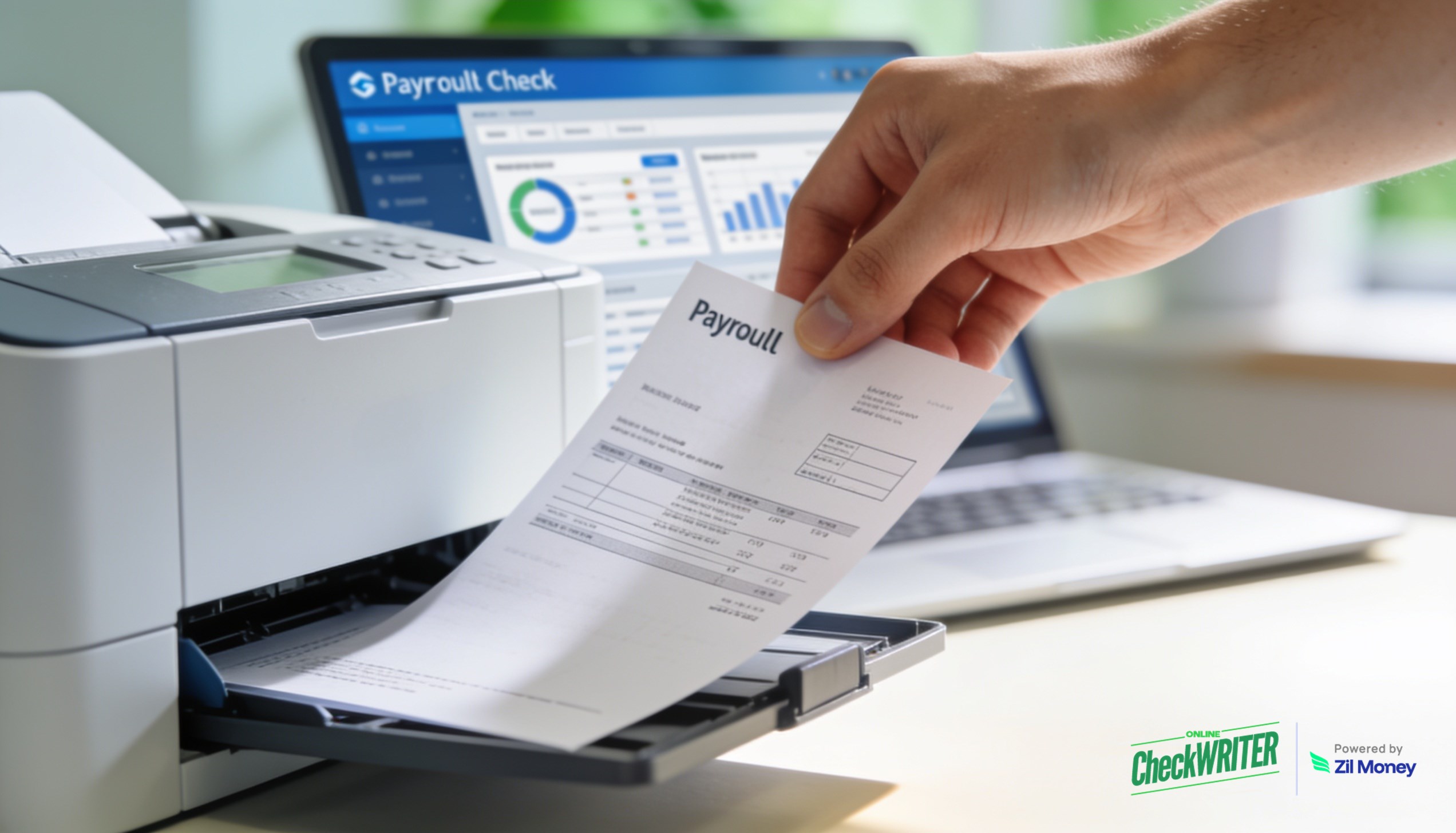
Pull payroll data from Gusto and print checks on blank paper from any office printer, with no pre-printed stock.
KEY TAKEAWAYS
- Printing payroll checks on blank paper eliminates the need for pre-printed check stock or special forms.
- OnlineCheckWriter.com – Powered by Zil Money lets businesses print checks from any printer using standard paper.
- Businesses can customize check layouts with their own branding, logos, and designs before printing.
- The platform supports multiple payment methods alongside check printing, including ACH and wire transfers.
- Every printed check is logged with a full audit trail, supporting payment records without manual tracking.
Businesses that run payroll through Gusto often hit the same wall when it comes to physical paychecks: the payroll data is ready, but printing it requires pre-printed check stock, a specific printer setup, or a third-party vendor. OnlineCheckWriter.com – Powered by Zil Money closes that gap. Businesses can print Gusto payroll checks online using standard blank paper and any office printer, cutting out the overhead of specialty forms entirely.
The Real Problems With Traditional Payroll Check Printing
Pre-printed check stock has been the default for decades, but it creates friction at nearly every step of the payroll process.
The first problem is cost and supply management. Pre-printed check stock must be ordered in advance, stored securely, and reordered before it runs out. Running short before a payroll run is not a minor inconvenience. It holds up employee payments and puts businesses in a difficult position. According to the Federal Reserve Bank of Atlanta, 83% of small businesses still rely on paper-based payment methods including checks, meaning the demand for check printing is not going away, but the way businesses handle it needs to change.
The second problem is manual re-entry and errors. Many businesses running payroll through a dedicated platform still have to manually transfer payroll figures into a separate check printing process. Each manual step introduces the possibility of a transposition error, a mismatched amount, or a check that has to be voided and reprinted.
The third problem is inflexibility. Pre-printed stock is bank-specific and layout-specific. Businesses that change banks, add accounts, or want to update their check design face delays, reorder lead times, and leftover stock they can no longer use.
“The goal of payroll is to pay people accurately and on time. Every extra step between the payroll data and the printed check is a chance for something to go wrong.”
How OnlineCheckWriter.com Helps You Print Gusto Payroll Checks Online
Each fix below maps to a problem above, not to a feature list.
Print on blank paper with any office printer. The platform formats checks to meet banking standards and prints them on standard 8.5″ x 11″ blank paper. There is no check stock to order, no special ink requirement to manage in-house, and no vendor dependency for the physical print run. Businesses print what they need, when they need it.
Import payroll data directly. The Gusto integration pulls employee and payroll data into the platform in a few steps: connect via authorization, select companies, import payroll, and create checks. Payroll figures transfer without manual re-entry, removing the transcription step where errors most often occur.
Customize check layouts with business branding. Businesses are not locked into a generic template. The platform lets users apply their own logos, colors, and layout preferences to checks before printing. This matters for businesses where the paycheck is a visible touchpoint with employees. A branded check looks professional and consistent.
Multiple payment options from a single platform. Not every employee prefers a physical check. The platform supports ACH, wire transfers, eChecks delivered via email, and physical mail delivery alongside standard check printing. Businesses can handle the full range of employee payment preferences without switching tools.
Full check history and audit trail. Every check created through the platform is recorded in the account dashboard. Businesses can reference past checks by date, employee, or amount, which simplifies payroll recordkeeping without relying on manual logs or paper files.
Still Ordering Pre-Printed Check Stock for Payroll?
Print payroll checks on blank paper from any office printer, with full control over layout.
The Bigger Picture for Small Business Payroll
Payroll is one of the areas where process gaps surface at the worst possible time: on payday. When payroll data sits in one system and printing requires a separate manual workflow, the chance of a delay or error increases. Connecting payroll data directly to a check printing platform removes that gap.
For businesses managing multiple bank accounts or paying across multiple entities, printing checks from any account and customizing per company makes the process scale in a way that pre-printed stock cannot. Sign up with OnlineCheckWriter.com – Powered by Zil Money to start printing payroll checks on demand, from your office, on blank paper.
Frequently Asked Questions
Can I print checks for multiple bank accounts through the same platform?
Yes. OnlineCheckWriter.com – Powered by Zil Money supports multiple bank accounts within a single login. Businesses that run payroll across different accounts or entities can print checks from each account without maintaining separate stock or setups for each one.
What if some employees prefer direct deposit instead of a printed check?
The platform supports multiple payment methods from the same interface. Businesses can send ACH payments or wire transfers alongside printed checks, so employees who prefer direct deposit are handled in the same workflow without switching tools.
Can I customize checks?
Yes. The platform lets you customize checks by adding your company logo, preferred fonts, and other branding elements.
OnlineCheckWriter.com, Powered by Zil Money, is a financial technology company and not a bank. Banking services are provided by our partner bank, Member FDIC. FDIC insurance applies only to eligible products associated with those that have funds held in accounts at the partner bank, subject to applicable limits and requirements.