

 ChatGPT
 Claude
 Grok
Grok
 Perplexity
 Gemini
Run out of checks? You can print Bank of America checks online today instead of waiting weeks for a reorder.
KEY TAKEAWAYS
- You can print Bank of America checks online using blank check stock and your own printer.
- The platform adds your account details, routing number, payee, amount, and a MICR line that banks read.
- Printing on demand means you skip the reorder cycle and avoid storing boxes of pre-printed checks.
- Blank stock keeps your account number off shelved checks, which helps reduce exposure.
- OnlineCheckWriter.com – Powered by Zil Money lets you design and print compliant checks from any printer.
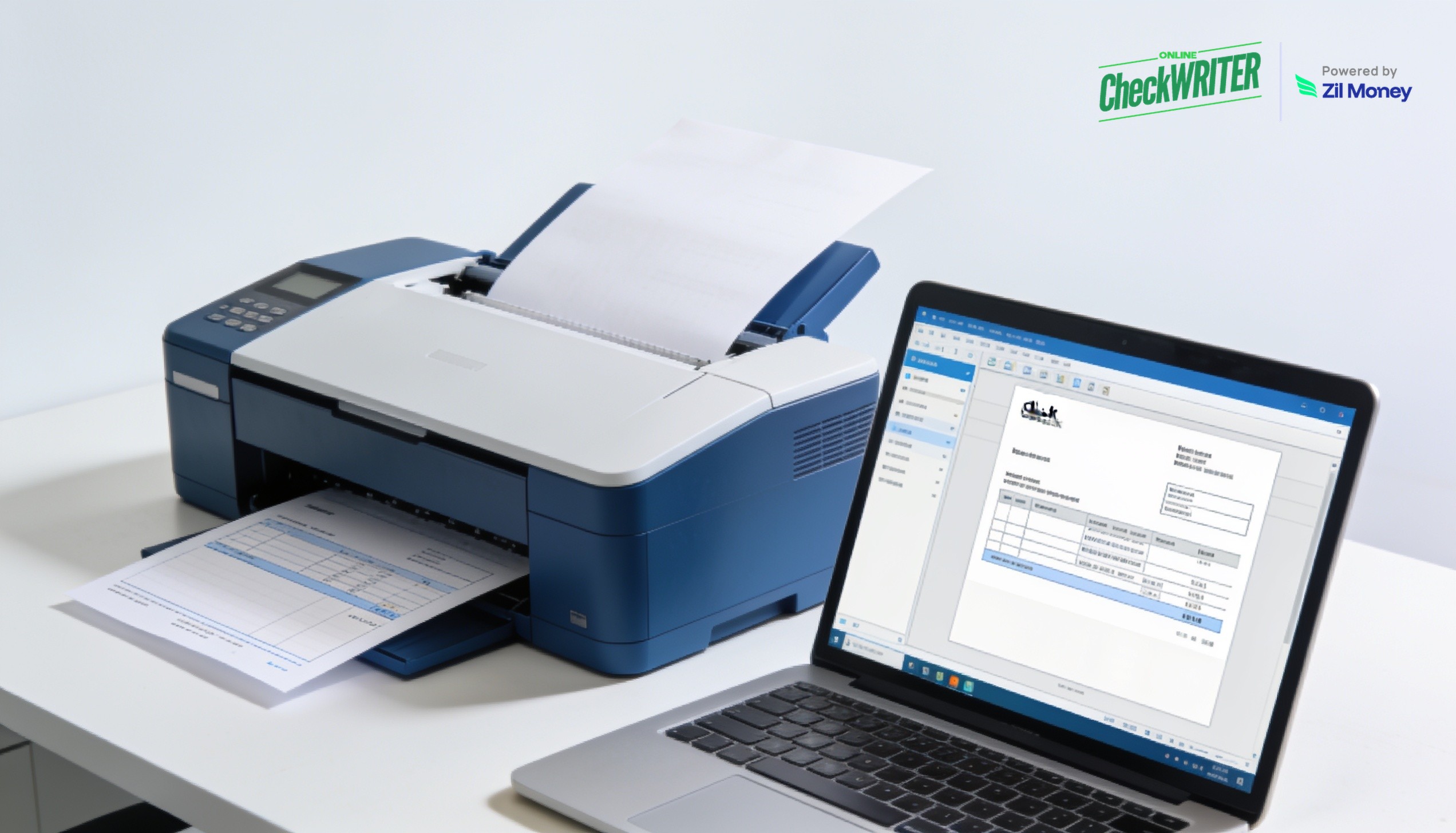
When you need to print checks drawn on your Bank of America account, the last thing you want is a two-week reorder and a shipping fee. Your checkbook is empty, a vendor is waiting, and the bank’s standard reorder will not arrive in time. So the payment stalls over something that should take minutes. OnlineCheckWriter.com – Powered by Zil Money fixes that by letting you create and print checks on demand, on plain blank check stock, right from your desk.
The checks are drawn on your own Bank of America account, which remains held at Bank of America. OnlineCheckWriter.com is a check printing and mailing platform, not a bank, and does not hold your funds or your bank account.
The Real Problems With Reordering Pre-Printed Checks
Pre-printed checkbooks were built for a slower era. Here is where they cost you time and money.
Reorders make you wait: Standard check orders ship in days or weeks. Meanwhile, the payment you need to send today sits idle.
Pre-printed checks cost more per check: Bank and supplier checkbooks carry a markup. In fact, industry pricing comparisons put pre-printed checks far above blank stock per check.
Stored checkbooks are a liability: Boxes of pre-printed checks sit in a drawer with your account number on every page. So a stolen box is an immediate risk.
Changes mean a brand-new order: A new address or signer makes your current checks obsolete. Then you reorder and wait again.
Running out stops payments cold: An empty checkbook is a hard stop. As a result, an urgent vendor check waits on a shipment.
Manual writing invites errors: Handwritten checks are slow and easy to misread. Therefore mistakes slip through to the bank.
“Load blank stock, fill in the details on screen, and print a ready-to-cash check in just a few steps.”
How OnlineCheckWriter.com Solves These Problems
Each fix below maps to a problem above, not to a feature list.
Print on demand, skip the reorder cycle: You enter your Bank of America account number and routing number once, then print checks drawn on that account whenever you need them. Therefore an empty checkbook never stalls a payment.
Blank stock lowers your per-check cost: You print on plain blank check stock instead of buying pre-printed books. Moreover, you only print what you actually use.
Less stored risk: Blank stock carries no account number until you print it. So a stolen sheet of blank paper reveals nothing.
Edits take seconds, not a new order: Change a payee, address, or amount on screen and print again. As a result, an address change costs you nothing.
Print from any printer: A standard inkjet or laser printer handles the job, and magnetic MICR toner helps ensure full compatibility with bank sorting machines. Better yet, the platform formats the check printing software layout for you.
On-screen entry reduces errors: You confirm the payee and amount before printing. Then the MICR line and details print cleanly for the bank to read.
Print Your Bank of America Checks on Demand
Skip the standard reorder cycle. Enter your account and routing numbers once and print compliant checks on blank stock from any printer.
Why Printing Your Own Checks Online Makes Sense
Checks are not disappearing from business, even as digital payments grow. Paper checks still account for about a quarter of B2B payments, and most organizations that use them have no plans to stop. So the question is not whether you will write checks, but how efficiently you can produce them.
Printing your own checks online answers that efficiency question directly. You skip the reorder cycle, cut the per-check cost, and keep your account details off shelved checkbooks. The platform handles the formatting, the MICR encoding, and the layout that banks expect. You supply the blank stock and a printer. This will not replace a checkbook for everyone, but it removes the reorder cycle and the markup for anyone who prints often.
A clean setup also keeps your records tidy. Each check you print is logged, numbered, and ready to reconcile, whether you print one or a batch. Because the same dashboard handles printing, mailing, and tracking, your whole check workflow lives in one place. Sign up today to see how fast a Bank of America check can go from screen to signature.
Frequently Asked Questions
Can I print Bank of America checks online myself?
What do I need to print my own checks?
Is it legal to print my own checks?
Is printing on blank stock safer than pre-printed checks?
Will a Bank of America check I print be accepted?
OnlineCheckWriter.com, powered by Zil Money, is a financial technology company and not a bank. Banking services are provided by our partner bank, Member FDIC. FDIC insurance applies only to eligible products associated with those that have funds held in accounts at the partner bank, subject to applicable limits and requirements. OnlineCheckWriter.com is not affiliated with, endorsed by, or sponsored by Bank of America; Bank of America is a trademark of its respective owner.