

 ChatGPT
 Claude
 Grok
Grok
 Perplexity
 Gemini
Stop paying for pre-printed checkbooks and waiting weeks for reorders. Here is how to bring business check printing in-house.
Key Takeaways
- Business check printing on blank stock removes the wait, the reorder fees, and the storage risk of pre-printed checkbooks.
- You print on demand, from a laser printer, the moment a payment is due.
- Built-in controls like Positive Pay and role-based access help reduce check tampering.
- One dashboard handles printing, mailing, and tracking, so nothing gets lost.
- OnlineCheckWriter.com, powered by Zil Money, works with your existing bank account.
Business check printing should be the simplest task in your accounts payable week, yet for many teams it is the slowest. You order pre-printed checkbooks, wait for them to ship, and store them in a locked drawer until a vendor needs paying. Then a reorder runs late and a payment stalls. Checks still matter more than the headlines suggest. The Federal Reserve reports that 83% of small firms still use paper checks for business payments. So the goal is not to abandon checks. The goal is to print them smarter with OnlineCheckWriter.com, powered by Zil Money.
The Real Problems With Pre-Printed Checkbooks
Ordering checks from a bank or a stationery vendor feels normal because it always worked that way. Look closer and the hidden costs add up fast.
- Reorder delays: You run low on checks at the worst moment. The reorder ships in days, sometimes weeks, and a vendor payment waits in line behind it.
- Wasted stock: An address change, a new logo, or a bank switch turns a full box of pre-printed checks into scrap paper overnight.
- Storage and security risk: Blank pre-printed checks sitting in a drawer are a target. Anyone with access has your account and routing numbers in hand.
- No real controls: A paper checkbook does not know who signed a check or whether the amount changed. You find out when the statement arrives.
- Manual data entry: You handwrite or retype vendor names and amounts, so typos slip through and records drift out of sync.
“Print the check when the payment is due, not weeks before you need it.”
How OnlineCheckWriter.com Solves These Problems
Each fix below maps to a problem above, not to a feature list.
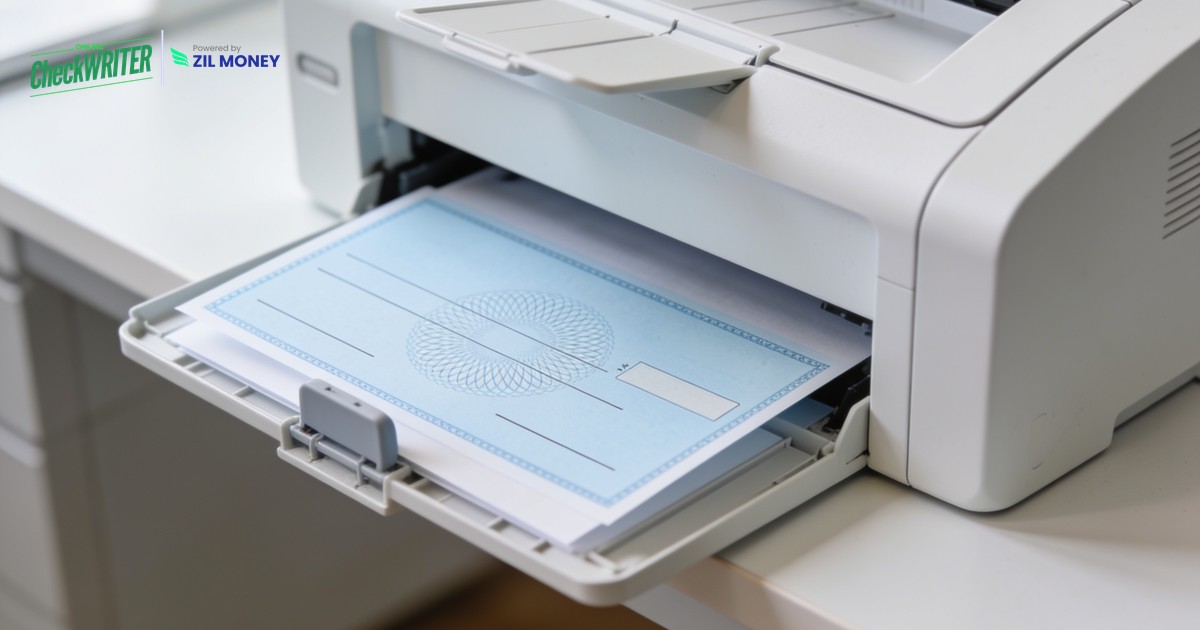
- Print on demand, on blank stock: You print checks yourself using blank check stock and a laser printer. No reorder, no waiting, no minimum box quantity.
- Design once, edit anytime: Change your address, logo, or bank details in the software and the next check reflects it. Old stock never goes to waste because there is no old stock.
- Add extra controls: Positive Pay matches every check you issue against what clears the bank, so altered or fake checks get flagged. Role-based access limits who can create and approve payments.
- Pull data straight from your books: The check printing software connects with QuickBooks and other accounting tools, so vendor names and amounts flow in without retyping.
- Print, mail, or send digitally from one screen: Print in-house, or let the platform handle check mailing so you skip the envelopes and the post office entirely.
Bring Business Check Printing In-House
Print checks on demand from your existing account, or let the platform mail them for you. No reorders, no waiting.
Why a Strong Business Check Printing Setup Matters
Checks are not disappearing from business payments, even as consumer use fades. The same Federal Reserve research shows small businesses lean on checks more than any other segment, because a check gives a clear paper trail and works with any vendor. The problem was never the check itself. It was the slow, manual way most teams produced them.
A strong setup treats the check as one output among several. You keep the check when a vendor prefers it, and you reach for business checks printed on demand instead of ordering boxes you may never finish. Meanwhile, the same dashboard lets you pay by ACH or card when that suits the vendor better. In fact, keeping every method in one place is what removes the friction, because your records stay in sync no matter how the money moves. Sign up today to see how it fits your week.
Frequently Asked Questions
What is business check printing?
Do I need special paper or ink to print business checks?
Is printing my own checks safe?
Can I still mail the checks after printing?
Does it work with my accounting software?
OnlineCheckWriter.com, powered by Zil Money, is a financial technology company and not a bank. Banking services are provided by our partner bank, Member FDIC. FDIC insurance applies only to eligible products associated with those that have funds held in accounts at the partner bank, subject to applicable limits and requirements.