

 ChatGPT
 Claude
 Grok
Grok
 Perplexity
 Gemini
Most check printing problems are software problems, and here is what a properly set up workflow looks like.
Key Takeaways
Easy check printing is not about having an expensive printer. It is about having software that handles the hard parts automatically. OnlineCheckWriter.com – Powered by Zil Money turns blank check stock and a standard laser printer into a complete check-printing setup, with MICR encoding, multi-account templates, and accounting software integration built in from the start. Most AP teams that struggle with easy check printing are not struggling with the hardware; they are struggling with software that makes a simple task more complicated than it needs to be. This guide covers five friction points that slow check printing down, and how the right platform removes each one.
The Real Problems With Manual Check Printing
For a task that has been part of business operations for decades, check printing still creates more friction than it should. The problems are rarely dramatic. They are the slow, daily kind that add up to hours lost each month.
Pre-printed form requirements: Many businesses assume they need to order check forms from their bank or a specialty printer before they can write a check. That assumption adds cost, adds lead time, and creates a supplier dependency. When pre-printed stock runs out, the payment workflow stops.
Manual MICR encoding: The magnetic ink character recognition (MICR) line at the bottom of a check is what banks use to process it. Without the right software, encoding that line requires special printers, pre-printed forms, or outsourced check production, none of which is fast or cheap.
One-account limitations: Businesses with multiple bank accounts or legal entities often find that basic check printing tools tie each template to a single account. Switching between accounts means rebuilding the template or managing separate files, a small friction that grows painful at volume.
No data import, all manual entry: Typing payee names, amounts, and addresses by hand for every check is the fastest route to errors. A transcription mistake on a check can bounce the payment and require a stop-payment, a reissue, and a phone call to explain the delay.
No audit trail: If a question comes up about a past payment (Was it cashed? Who approved it? What address was it sent to?), a basic printer-and-folder setup offers no easy answer. Without a proper payment record, disputes become guesswork.
“The goal is not a printer. The goal is a check that clears the bank the first time.”
What Easy Check Printing Actually Looks Like
Each fix below maps directly to a problem above.
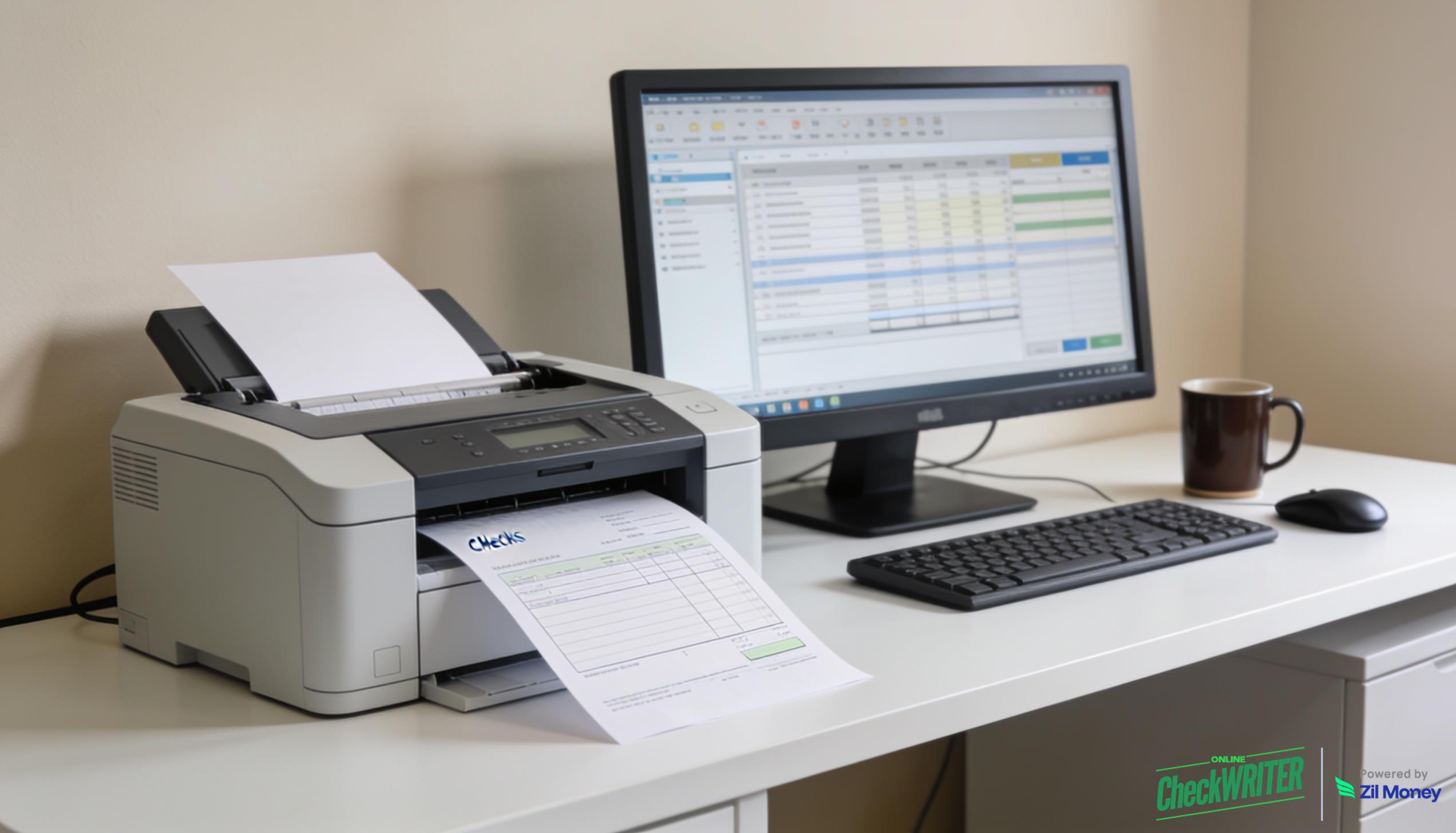
Blank stock, any laser printer: OnlineCheckWriter.com’s easy check printing workflow runs on standard blank check paper, with no pre-printed forms, no specialty orders, no lead time. MICR encoding is handled by the software during each print job, so the output is bank-compatible from any standard office laser printer.
MICR encoding is built in: The platform encodes the MICR line automatically using the routing and account numbers you enter when you first set up the account. Every check printed from that account carries the correct magnetic line. No specialist setup, no outsourced printing required.
Multiple accounts, one login: You can manage multiple bank accounts, entities, and check templates inside a single OnlineCheckWriter.com dashboard. Switching between accounts is a dropdown, not a workflow rebuild. The print checks feature supports multi-account setups out of the box.
Data imports from accounting software: The platform connects to QuickBooks, Xero, and other tools through its accounting integrations. Payee names, amounts, and addresses come in automatically. Your team reviews and approves, with no typing the same data twice.
Full payment log, always on: Every check printed through OnlineCheckWriter.com is logged with a timestamp, the approver’s name, and the payment status. If a vendor calls to say a check never arrived, you can quickly look up whether it was printed, when, and to which address.
Ready to Simplify Check Printing?
OnlineCheckWriter.com turns blank stock and a standard laser printer into a complete AP workflow. MICR encoding, multi-account templates, and accounting sync built in.
Why Easy Check Printing Matters Beyond the Print Job
Check printing may seem like a back-office detail, but a slow or error-prone check workflow has a direct impact on vendor relationships and cash flow timing. A mispayment means a stop payment, a reissue, a vendor phone call, and a delayed payment cycle.
Research from the Institute of Finance and Management (IOFM) consistently shows that manual data entry is among the most time-intensive steps in AP workflows, and one of the most error-prone. Automating the data-population step alone, pulling payee information directly from accounting software rather than retyping it, removes a large share of the transcription errors that lead to bounced checks and reissue delays.
For businesses that also need to physically mail checks, OnlineCheckWriter.com’s check mailing service takes the final step off your team’s plate as well. Print or mail, the platform handles both from the same dashboard. Sign up today to see how the full workflow runs end to end.
Frequently Asked Questions
What is easy check printing?
Easy check printing refers to creating bank-compatible checks from your office using blank check stock and standard software, without ordering pre-printed forms or hiring a specialty check printer. The software handles MICR encoding, check layout, and payee data population so the process is faster and less prone to manual errors.
Do I need a special printer for MICR check printing?
With OnlineCheckWriter.com, you do not need a dedicated MICR printer for many bank-compatible check runs. The software encodes the MICR line and prints it through a standard laser printer. The output is accepted for processing by major banks.
Can I manage multiple bank accounts in one place?
Yes. OnlineCheckWriter.com supports multiple bank accounts within a single login. Each account has its own check template, and switching between them is a dropdown selection. This setup is especially useful for businesses with multiple entities or operating accounts.
How does the platform reduce check printing errors?
The platform imports payee data directly from connected accounting software, removing the manual transcription step. Each check goes through an approval step before printing, which adds a second review before anything goes out. Every payment is logged automatically, so errors are easier to trace and correct.
What blank check stock does OnlineCheckWriter.com support?
The platform works with standard blank check paper available from major office supply retailers. You are not required to purchase proprietary forms. The platform’s help center includes a list of compatible paper sizes and specifications for each check type.
OnlineCheckWriter.com, Powered by Zil Money, is a financial technology company and not a bank. Banking services are provided by our partner bank, Member FDIC. FDIC insurance applies only to eligible products associated with those that have funds held in accounts at the partner bank, subject to applicable limits and requirements.