

 ChatGPT
 Claude
 Grok
Grok
 Perplexity
 Gemini
Quick answer: If your team or nonprofit is still passing around one locked box of blank checks, you can fix that today. An editable check template lets each person you trust fill in the payee, amount, date, and memo online, then print on your own MICR stock, with a record of who approved and printed each check. It’s included with your account at no added software fee, and the same base template covers both vendor checks and payroll.
Key Takeaways
How Do I Use an Editable Check Template?
- Log in to your OnlineCheckWriter.com account and open a check template.
- Fill in the payee, amount, date, and memo for this specific payment.
- Assign the check to the right signer or approval step if your organization requires a second sign-off.
- Preview the layout to confirm the routing and account line is positioned correctly.
- Print on MICR-compatible blank check stock using a printer set up for magnetic-ink printing, or save the design to print again next time.
OnlineCheckWriter.com connects with accounting platforms like QuickBooks, so a printed check’s details can match your books without a second round of data entry.
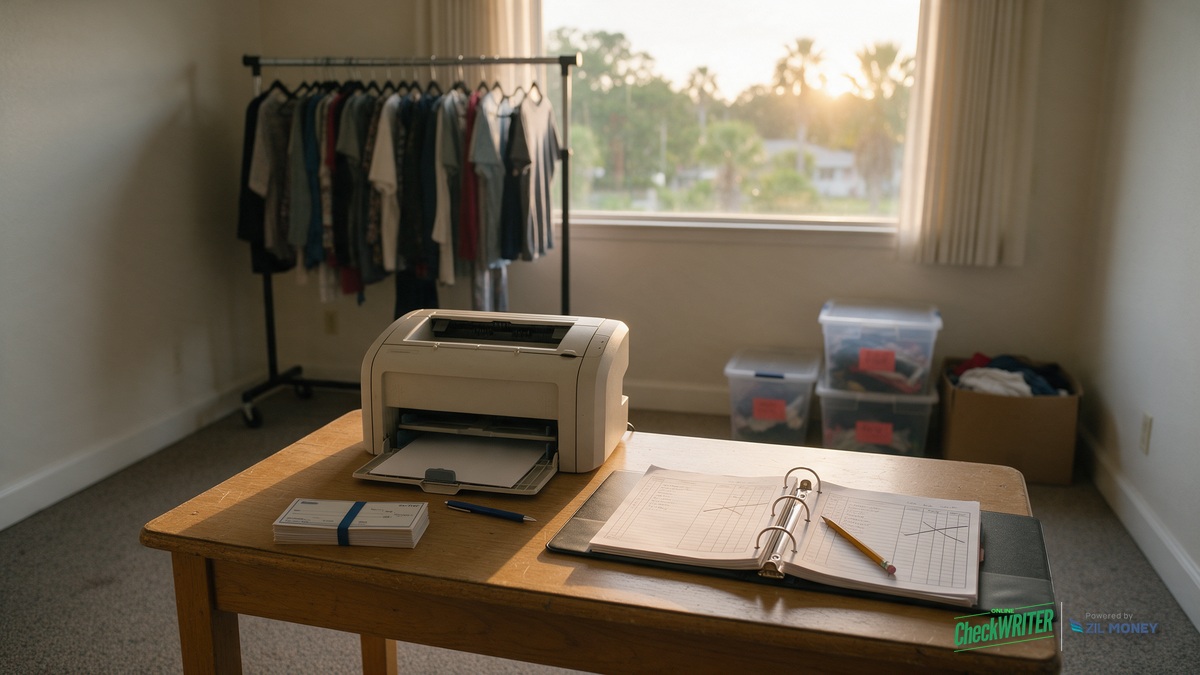
A thrift store with one paid part-time bookkeeper and a rotating group of volunteers can use this same base template for a produce-pickup vendor one week and a part-time cashier’s payroll check the next, adding the pay-stub fields payroll needs, without reordering stock in between.
Why a Small Nonprofit Cares About This
A box of pre-printed checkbook stock is money that could’ve gone to the receiving dock instead, and it’s one more thing sitting in a drawer that anyone with access can use. Remove the physical box and both problems go away: nobody’s overpaying for check stock, and no departing volunteer can still print a check nobody signed off on.
Pre-Printed Checkbook vs. Handwritten vs. Editable Template
| What Matters | Handwritten Check | Pre-Printed Checkbook | Editable Template |
|---|---|---|---|
| Who can fill one out | Anyone holding the checkbook | Anyone holding the checkbook | Whoever you grant access to, based on role |
| Record of what was paid | Only what’s written in the check register | Only what’s written in the check register | A record in the account a treasurer can export |
| Reordering | A new box when the current one runs out | A new box when the current one runs out | Print from generic blank MICR stock you restock on your own schedule, not a pre-printed box tied to one design |
| Volunteer handoff | Whoever has the checkbook has full access | Whoever has the checkbook has full access | Revoke one person’s access without affecting anyone else |
Mistakes Volunteer-Run Nonprofits Make With Check Templates
- Leaving a departed volunteer’s signing access active. Review who can approve or print checks each time a volunteer’s term ends, not just once a year.
- Pre-signing blank checks “to save time.” A second-approval requirement only works if the approval happens after the payee and amount are filled in, not before.
- Skipping positive pay. Printing checks in-house shifts some of the fraud screening a bank normally does onto your own process; ask your bank about enrolling in positive pay, where you send it a list of checks you’ve issued so it can flag anything that doesn’t match.
- Letting one person both approve and print with no second review. Set a dollar threshold above which a second signer or approver is required.
- Miscoding a vendor refund as a donation, or the reverse, in the store’s own books. Match every printed check to a budget line before the month closes, not at year-end.
- Not reconciling the account against register or point-of-sale totals monthly. A shortfall found in month one is a conversation; the same shortfall found at year-end is a much harder one.
What Should a Board See at Each Meeting?
A treasurer at a volunteer-run thrift store can export a list of every check printed since the last meeting, giving the board a real paper trail without asking any single volunteer to reconstruct it from memory or a paper register. For each check, that export covers:
- Payee
- Amount
- Date
- Which budget line it hit
- Who approved it and who printed it
The IRS’s own compliance guide for 501(c)(3) organizations, Publication 4221-PC, outlines the kind of recordkeeping a tax-exempt organization is expected to maintain; a check-by-check export gives a treasurer one piece of the supporting record that kind of recordkeeping calls for, not a substitute for the organization’s full compliance picture.
Stop Sharing the Checkbook
Give your team role-based access to fill in and print checks online, with a record your board can see, no locked box required.
Frequently Asked Questions
Is there a cost to use an editable check template?
The template itself is included with your OnlineCheckWriter.com account. You’ll still need MICR-compatible check stock and a compatible printer to turn a filled-in template into a check a bank can process.
Can I edit the template myself without design software?
Yes. You fill in the payee, amount, date, and memo directly in your account; no separate design software is needed.
Will a bank accept a check printed from an editable template?
A check printed from an editable template can be accepted by a bank, provided it’s printed on MICR-compatible check stock with a printer set up for magnetic-ink printing. Final acceptance is up to the bank’s own review process.
Can a volunteer use the template, or only paid staff?
Yes. Both paid staff and volunteers can use the template once you grant them access, and that access can be revoked the moment their role ends.
Can we require two people to sign off before a check prints?
Yes, you can set an approval rule so a check needs a second sign-off, useful for a nonprofit that wants no single volunteer approving and printing a check alone.
Does the template work for both vendor payments and payroll?
A vendor check and a payroll check can share the same base template, though a payroll check for an hourly employee typically needs a pay-stub section showing hours and deductions that a vendor-style layout doesn’t include.
Can our board see a record of every check printed?
Yes, a treasurer can export a record of checks printed from the account for board reporting or an annual audit.
What happens when a volunteer treasurer rotates out?
When a volunteer treasurer rotates out, revoke their software access and grant it to the next treasurer. The template and check history stay with the organization’s account, not with any one individual. If the outgoing treasurer was also an authorized signer on file with the bank, update the bank’s signature card as part of the handoff, since revoking a login alone doesn’t remove someone as a signer of record.
OnlineCheckWriter.com – Powered by Zil Money, is a financial technology company and not a bank. Banking services are provided by our partner bank, Member FDIC. FDIC insurance applies only to eligible products associated with those that have funds held in accounts at the partner bank, subject to applicable limits and requirements.