

 ChatGPT
 Claude
 Grok
Grok
 Perplexity
 Gemini
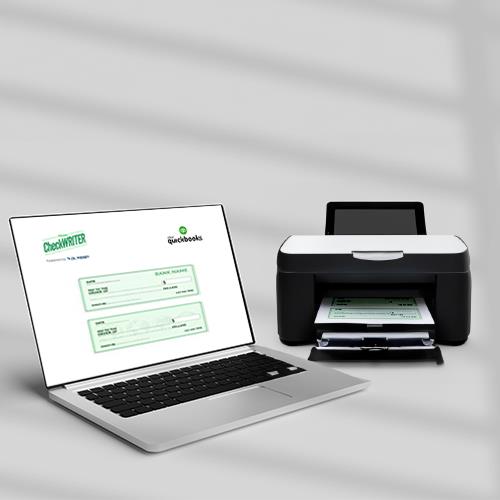
Checks continue to be an essential feature for efficient financial management. By integrating QuickBooks check printing with the cloud-based platform, you can import your payroll checks, regular checks, bills paid, and credit memo checks to the platform. Obtain blank stock papers from your nearest office store and instantly print imported checks on demand using the check printing software. Additionally, you can send your payee printed checks, eChecks, and mail checks at an affordable price.
Customized Checks for Branding
OnlineCheckWriter.com – Powered by Zil Money, enables users to design custom checks with unique layouts, colors, fonts, and logos, enhancing their brand identity and professionalism. Additionally, the software’s user-friendly interface simplifies the process of modifying checks and financial documents. This ensures a polished and professional appearance on high-quality paper.
Efficient Check Creation and Mailing
With OnlineCheckWriter.com – Powered by Zil Money creating and mailing checks becomes easy. The platform’s broad template collection and user-friendly interface simplify the check generation process for suppliers, employees, and other recipients. Additionally, the trustworthy mailing service ensures secure packaging and quick delivery of printed checks on high-quality check paper, with the ability to track sent checks.
On-Demand Check Printing
After importing checks into OnlineCheckWriter.com – Powered by Zil Money, they can be quickly printed on blank stock papers at local office stores. This ensures that businesses have checks ready whenever required, contributing to an efficient payment processing workflow. Furthermore, the ability to print checks instantly reduces the risk of delays or disruptions in financial transactions, giving businesses greater control over their payment schedules.
The cloud-based platform provides a holistic solution for optimizing business payments. With its on-demand check printing, secure payment options, and fast fund transfers, this platform significantly improves the efficiency, accuracy, and convenience of financial transactions. By leveraging this platform, businesses can embrace the future of payment processing and stay ahead in today’s dynamic marketplace.