

 ChatGPT
 Claude
 Grok
Grok
 Perplexity
 Gemini
KEY TAKEAWAYS
- Clearing a checkbook means marking individual checks as confirmed-cleared by the bank, so your running balance stays accurate between statement dates.
- Most businesses batch this work into a monthly review. By then, discrepancies take far longer to trace and resolve.
- An online checkbook clearing tool lets you mark checks as cleared or outstanding in real time, as your bank processes them.
- OnlineCheckWriter.com – Powered by Zil Money logs every check issued through the platform and lets you update clearance status directly from the dashboard.
- Outstanding checks remain flagged until the bank confirms the clearance, so nothing slips through the gap.
- Real-time checkbook clearing reduces the time spent on monthly close by removing surprise discrepancies at the end of the period.
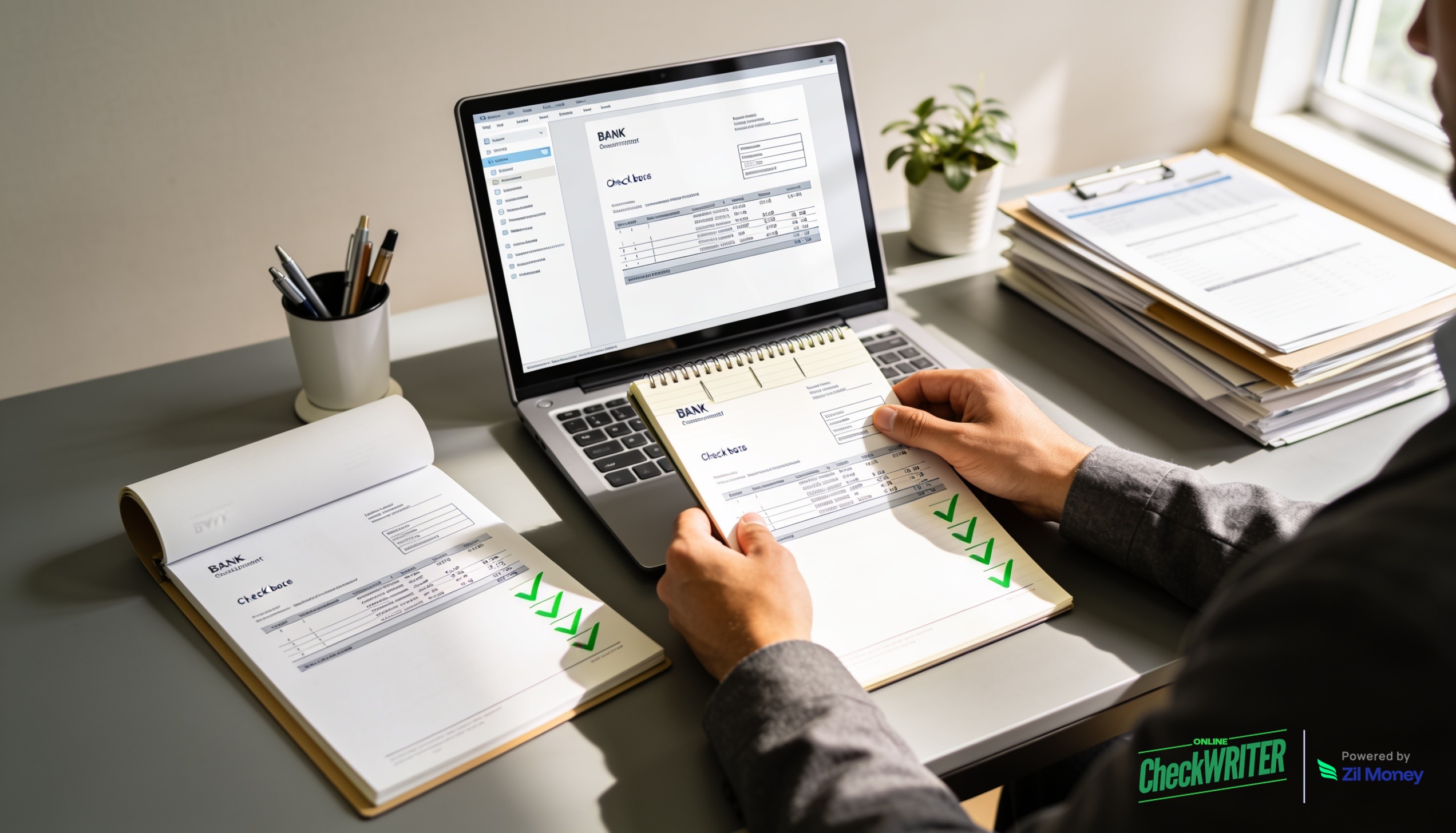
To clear your checkbook online means to mark a specific check as confirmed-cleared by your bank, not just written and recorded, but processed and deducted from your actual account balance. Most businesses skip this step between statement dates and batch the work into a monthly reconciliation. The result is a checkbook balance that is always behind reality. OnlineCheckWriter.com – Powered by Zil Money includes an online checkbook clearing tool that lets you update check status in real time, so your running balance stays accurate without waiting for a paper statement to arrive.
The Real Problems With Manual Checkbook Reconciliation
These are the most common pain points AP teams and bookkeepers describe, and few teams treat them as solvable until they find the right tool.
- The running balance is always stale. In a paper checkbook or spreadsheet, the balance only updates when someone manually enters new information. Between payment runs, the recorded balance does not reflect checks that have already cleared, checks that are still outstanding, or deposits that posted after the last update. As a result, the number in the register is rarely the number in the account.
- Monthly reconciliation takes hours to untangle. When a business reconciles once a month against the bank statement, any discrepancy requires tracing back through every transaction in the period. A check that was voided, reissued, or duplicated three weeks ago can take 45 minutes to locate. Multiply that across a handful of discrepancies and a monthly close becomes a half-day event.
- Outstanding checks create a blind spot. A check written in week one of a month may not clear until week three. If the checkbook does not flag outstanding items separately from cleared ones, the running balance either double-counts the deduction or misses it entirely, depending on how the record was kept.
- Spreadsheets lack a link back to the source check. A manual register entry for “Check #1042 Vendor XYZ $850” does not connect to the check itself. If the amount changed, the check was reprinted, or the vendor name was entered incorrectly, there is no audit trail linking the ledger to the source document.
According to the 2025 AFP Payments Fraud and Control Survey, checks are the most common target of payment fraud, representing more than 60% of reported incidents. Fraud caught the week a check is presented is far cheaper to resolve than fraud discovered at the monthly statement review.
“A checkbook balance that is three weeks behind is not a record. It is a guess with a dollar sign.”
How OnlineCheckWriter.com Handles Checkbook Clearing
Each solution below maps directly to a problem above.
- Every check issued logs automatically. When you create and send a check through OnlineCheckWriter.com, the platform records it immediately: payee, amount, check number, date, and delivery method. You do not need to enter it separately into a spreadsheet or maintain a parallel register.
- Mark checks cleared or outstanding from the dashboard. The checkbook clearing tool lets you update the status of each check as your bank processes it. Cleared checks update the running balance. Outstanding checks remain flagged until bank confirmation arrives. Therefore, your balance reflects the actual state of the account at any point, not the state at the last monthly review.
- Reconcile against your bank between statement dates. Instead of batching reconciliation to month-end, you can flag discrepancies as they appear. A check that cleared for a different amount, posted twice, or did not post at all shows up while the trail is still fresh, not 30 days later when the paper statement arrives.
- View your running balance in real time. The dashboard displays your current balance, accounting for both cleared and outstanding checks, at a glance. You can see exactly which payments have cleared and which are still in transit, without pulling a bank statement.
- Positive Pay adds a pre-clearance verification layer. The Positive Pay feature cross-references issued checks against checks presented to the bank before they clear. If an unauthorized or altered check is presented, the system flags the discrepancy for review before any funds move.
Reconcile Your Checkbook in Real Time
Stop waiting for month-end. Mark checks cleared as they post and keep your balance accurate all month long.
Why Clearing Your Checkbook Online Matters for Monthly Close
Checks remain a meaningful share of business payments. According to Nacha, checks represent approximately 26% of B2B transactions, still standard practice in construction, real estate, healthcare, and professional services. In those industries, a business writing 30 to 50 checks per month cannot afford to reconcile once a month and call it done.
Moving checkbook clearing online does not require switching payment methods. You still write checks. Your vendors still receive them. The difference is that your balance is accurate today, not on the last business day of the month when the statement finally arrives.
The time saved at month-end compounds. When every check is flagged as cleared or outstanding throughout the month, reconciliation becomes a confirmation step rather than a detective exercise. An AP team that spends three hours on monthly close can often cut that to under 30 minutes when real-time clearing is in place.
OnlineCheckWriter.com was built for exactly this workflow. Sign up today to bring your checkbook current in real time.
Frequently Asked Questions
1. What does it mean to clear your checkbook online?
2. How is checkbook clearing different from bank reconciliation?
3. Does OnlineCheckWriter.com automatically record the checks I issue?
4. What happens to outstanding checks in the system?
5. Can I use the checkbook clearing tool without printing checks through OnlineCheckWriter.com?
OnlineCheckWriter.com, Powered by Zil Money, is a financial technology company and not a bank. Banking services are provided by our partner bank, Member FDIC. FDIC insurance applies only to eligible products with funds held at the partner bank, subject to applicable limits and requirements.