

 ChatGPT
 Claude
 Grok
Grok
 Perplexity
 Gemini
Key Takeaways
- When you email checks, you send a payment the recipient can print and deposit, without the mail.
- Mailing paper checks is slow, hard to track, and easy to intercept.
- OnlineCheckWriter.com, powered by Zil Money, lets you email checks to any payee from one account.
- Each emailed check carries a record of who you paid and when.
- You can still print a paper check on blank stock when a vendor requires one.
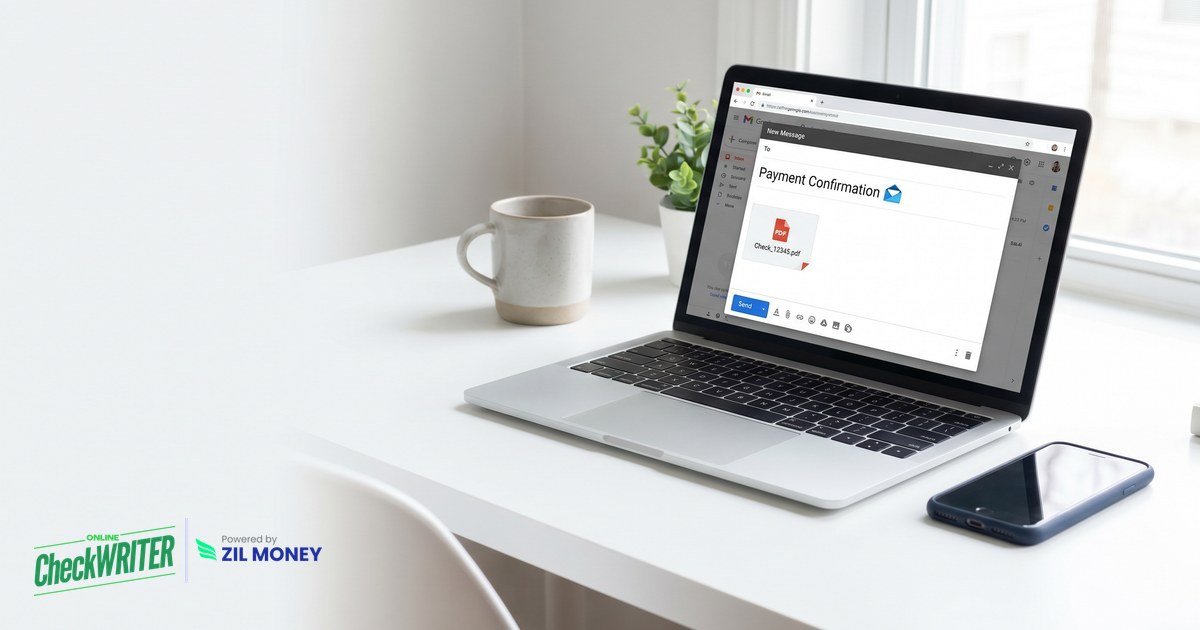
When a vendor is waiting and the mail is slow, the ability to email checks changes the timeline. An emailed check is a standard check delivered to the payee electronically, which they can print and deposit or deposit digitally. OnlineCheckWriter.com, powered by Zil Money, lets you email checks to any payee, so payment leaves your desk without an envelope.
The Real Problems With Mailing Checks
Mailed checks still move a lot of money. In fact, 91% of organizations still use checks, as reported by the Federal Reserve. Still, putting a check in the mail carries costs that rarely show up on an invoice.
Delivery drags. A mailed check moves at the speed of the postal system, and you cannot rush an envelope.
Tracking is thin. Once the check leaves your desk, you often cannot tell whether it arrived or cleared.
Mail theft is real. Checks in the mail stream get stolen, washed, and altered, which is one reason many teams move payments off paper.
Costs pile up. Stock, envelopes, stamps, and labor add up on every check, often more than the sticker price suggests.
Corrections are slow. A wrong detail on a mailed check means a void, a reissue, and another trip to the mailbox.
Reconciliation lags. A mailed check clears on its own timeline, so your books stay unsettled after you pay.
“Send the check by email, and skip the envelope, the stamp, and the trip to the post office.”
How to Email Checks With OnlineCheckWriter.com
Each step below answers a problem above.
- Open your account. Add your business details once, with no checkbook order and no waiting.
- Create the check. Enter the payee, amount, and date, and the platform writes the amount in words and digits for you.
- Enter the payee’s email. Address the check to the recipient’s inbox instead of a mailing address.
- Send the check. An emailed check can reach the recipient in minutes, subject to cut-off times, network conditions, and compliance reviews.
- The payee prints or deposits. The recipient prints the check on blank stock or deposits it digitally, whichever suits them.
- Keep the record or print paper. Every check is logged, and you can still send digital checks or print a paper check when a vendor needs one.
Waiting on the Mail to Pay a Vendor?
Email a check your vendor can print or deposit, and still print paper when it is required.
Why Emailing Checks Matters
The check is a format vendors already understand, so emailing it keeps what works while removing the slow part. You send the same familiar check, just through an inbox instead of an envelope.
You also keep options open. Email checks to the vendors who accept them, and print paper for the ones who do not, all from one account. Sign up today to see how it works.