

 ChatGPT
 Claude
 Grok
Grok
 Perplexity
 Gemini
Skip the reorder wait and the reorder fee. Here is how to print checks at home the smart way.
Key Takeaways
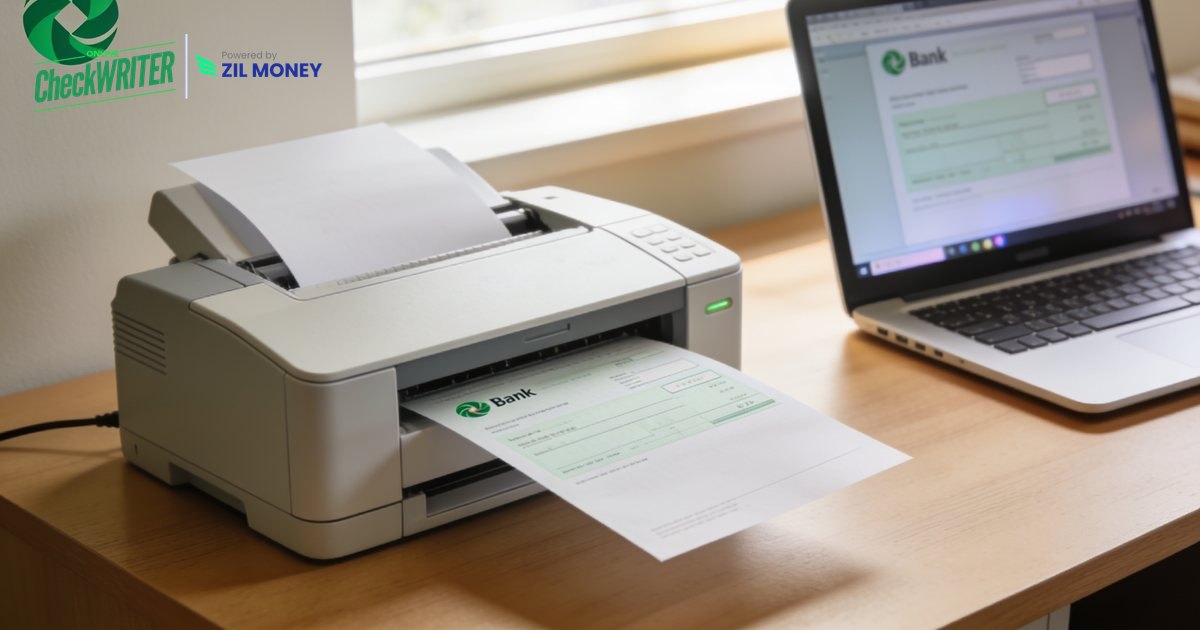
Learning to print checks at home saves you the wait, the reorder fee, and the trip to the bank. Many people still assume a checkbook has to arrive by mail in a sealed envelope. It does not. With blank check stock and the right software, your own printer becomes the press. In fact, a plain sheet of check paper and a browser are all you need to start. OnlineCheckWriter.com, powered by Zil Money, makes that setup quick, without the multi-day wait for a checkbook.
The Real Problems With Ordering Preprinted Checks
Preprinted checkbooks feel normal because that is how it has always worked. However, the old way quietly costs you time and money every cycle.
Reorder delays: You run out on a Friday, and the new box ships in a week. Meanwhile, a vendor waits and a bill goes late.
Minimum quantities: Banks and check vendors sell in bulk. So you pay for hundreds of checks even if you write ten a year.
Locked-in design: The layout, the logo, and the fonts are all fixed at the factory. Therefore you cannot adjust a thing without a full reorder.
One account per book: Each account needs its own printed box. As a result, managing two or three accounts means juggling two or three checkbooks.
Storage and security risk: A stack of preprinted checks sits in a drawer with your account number on every page. Worse, that is a lot of exposure for paper you rarely touch.
“Blank paper in, finished check out. That is the whole idea.”
How OnlineCheckWriter.com Lets You Print Checks at Home
Each fix below maps to a problem above, not to a feature list.
Print on demand: Need a check now? You can print checks on blank stock whenever you need one. Because you no longer order a box, the reorder wait disappears.
No minimums: Print one check or fifty. Since the design lives in software, you never buy paper you will not use.
Design once, edit anytime: Add your name, address, and logo, then change them whenever you like. The personal checks tools let you set up a clean layout in a few clicks.
Multiple accounts, one login: Add several bank accounts and switch between them from a single dashboard. So no extra checkbook is ever required.
Blank stock is safer to store: Blank check paper holds no account data until you print. As a result, a stolen sheet reveals nothing. The check printing software fills in the MICR line, account number, and payee only at print time.
Mail it without leaving home: Do not want to handle postage? You can hand the finished check to the platform and let it mail the check for you, subject to standard processing times.
Ready to Print Your Next Check at Home?
Create the check, hit print on blank paper, and skip the wait for a preprinted checkbook.
Why Printing Your Own Checks Makes Sense in 2026
Checks are not gone. They are simply used more deliberately. According to the Federal Reserve Bank of Atlanta, about one-third of U.S. consumers still paid with a check in a recent 30-day window. So the check has not disappeared. Instead, it has become the tool people reach for when a card or an app will not do.
That shift changes what a check user needs. You no longer need a drawer full of preprinted books. Instead, you need the ability to produce a correct, professional check the moment one is required. A home printer plus software gives you exactly that.
Printing at home also keeps you in control. You decide when a check exists, what it says, and where it goes. Better yet, everything is logged, so you always know which check went to whom. Worth a look if reorder delays still slow you down.
Frequently Asked Questions
What does it mean to print checks at home?
Do I need special paper to print checks at home?
Can I print checks on a regular inkjet or laser printer?
Is printing my own checks safe?
How many checks can I print at once?
OnlineCheckWriter.com, powered by Zil Money, is a financial technology company and not a bank. Banking services are provided by our partner bank, Member FDIC. FDIC insurance applies only to eligible products associated with those that have funds held in accounts at the partner bank, subject to applicable limits and requirements.