

 ChatGPT
 Claude
 Grok
Grok
 Perplexity
 Gemini
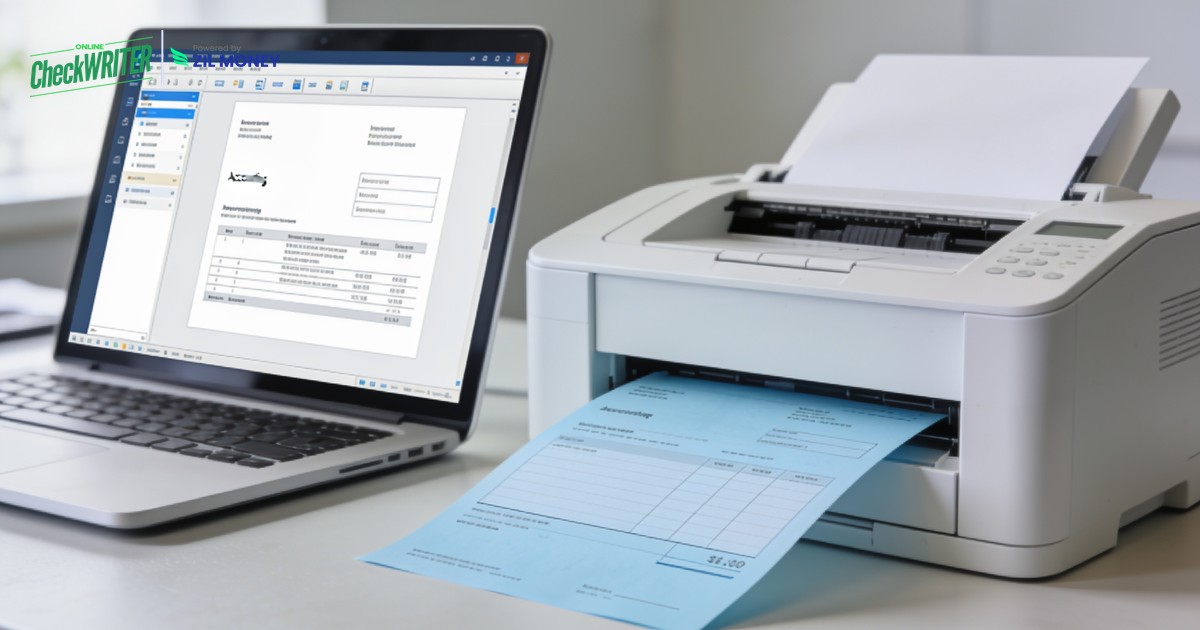
QuickBooks Online can print checks, but it expects pre-printed stock. Here is how to print checks from QuickBooks Online on plain blank paper instead.
Key Takeaways
- QuickBooks Online prints checks, but it expects pre-ordered, pre-printed check stock.
- Connecting OnlineCheckWriter.com lets you print QuickBooks checks on plain blank paper with the MICR line included.
- You skip the reorder wait and the alignment headaches of voucher checks.
- The same dashboard can mail the check or send a digital eCheck for you.
- OnlineCheckWriter.com, powered by Zil Money, syncs directly with your QuickBooks Online account.
Learning how to print checks in QuickBooks Online is simple enough, until you realize QuickBooks expects you to load pre-printed check stock into the printer. You order the stock, wait for it to arrive, and adjust alignment settings every time you print. Checks still carry real weight in business. U.S. payers wrote 9.2 billion checks worth 24.45 trillion dollars in 2024, according to the Federal Reserve. So printing them well matters. With OnlineCheckWriter.com, powered by Zil Money, you print QuickBooks checks on plain blank paper, MICR line and all.
The Real Problems With Printing Checks Straight From QuickBooks Online
QuickBooks Online handles the accounting side well. The printing side is where teams get stuck.
- Pre-printed stock only: QuickBooks Online expects you to buy and load pre-printed check stock. Run out, and printing stops until a reorder arrives.
- Alignment headaches: Voucher and standard check templates rarely line up on the first try. You reprint, nudge the margins, and waste stock.
- Reorder delays and storage: Every box of pre-printed checks is another order, another wait, and another item to lock away.
- No built-in mailing: QuickBooks prints the check, but stuffing, stamping, and mailing are still on you.
- Limited issue-time controls: A check from QuickBooks alone carries no extra control to help catch an altered check after it goes out.
“Print the check QuickBooks created on plain paper, with no pre-printed box required.”
How OnlineCheckWriter.com Solves These Problems
Each fix below maps to a problem above, not to a feature list.
- Print on blank paper: Once you connect QuickBooks Online, you print checks on plain blank check stock. The software adds your bank details and the MICR line, so there is nothing to pre-order.
- Accurate layout every time: The QuickBooks check printing software positions every field and the MICR line correctly, so alignment reprints stop.
- Two-way sync: The accounting integration pulls bills and vendor details straight from QuickBooks Online, so you are not retyping anything.
- Mail from the same screen: Skip the envelopes. Let the platform handle check mailing and post the check for you.
- Add issue-time controls: Turn on Positive Pay to match issued checks against what clears the bank, which helps catch an altered check.
Print QuickBooks Checks on Blank Paper
Connect QuickBooks Online, print checks on plain stock with the MICR line, and mail them from one dashboard. No pre-printed boxes.
Why Print QuickBooks Checks the Smarter Way
Checks are not fading from business as fast as the headlines claim. The Federal Reserve counted 9.2 billion checks in 2024, and the average check was worth 2,653 dollars, nearly triple the figure from 2000. High-value payments like these deserve a clean, scannable check every time.
Printing from QuickBooks on blank stock gives you that. You keep QuickBooks Online as your book of record, and you let OnlineCheckWriter.com handle the print, the MICR line, and the mailing. Meanwhile, when a vendor would rather be paid by ACH or card, the same dashboard covers that too. Sign up today to see how it fits your close.
Frequently Asked Questions
How do I print checks in QuickBooks Online?
Can I print QuickBooks checks on blank paper?
Do I need special toner to print the MICR line?
Will printed checks still sync back to QuickBooks?
Can I mail the check instead of printing it?
QuickBooks is a registered trademark of Intuit Inc. OnlineCheckWriter.com, powered by Zil Money, is not affiliated with, endorsed by, or sponsored by Intuit.
OnlineCheckWriter.com, powered by Zil Money, is a financial technology company and not a bank. Banking services are provided by our partner bank, Member FDIC. FDIC insurance applies only to eligible products associated with those that have funds held in accounts at the partner bank, subject to applicable limits and requirements.