

 ChatGPT
 Claude
 Grok
Grok
 Perplexity
 Gemini
Key Takeaways
- You can print checks online on plain blank stock with a standard laser printer.
- Ordering pre-printed checkbooks is slow, costly, and locks you into one bank account.
- Printing on demand keeps no live checkbook sitting in a drawer.
- OnlineCheckWriter.com, powered by Zil Money, handles the layout, MICR line, and record for you.
- The same account stores a reusable check template and supports digital check alternatives.
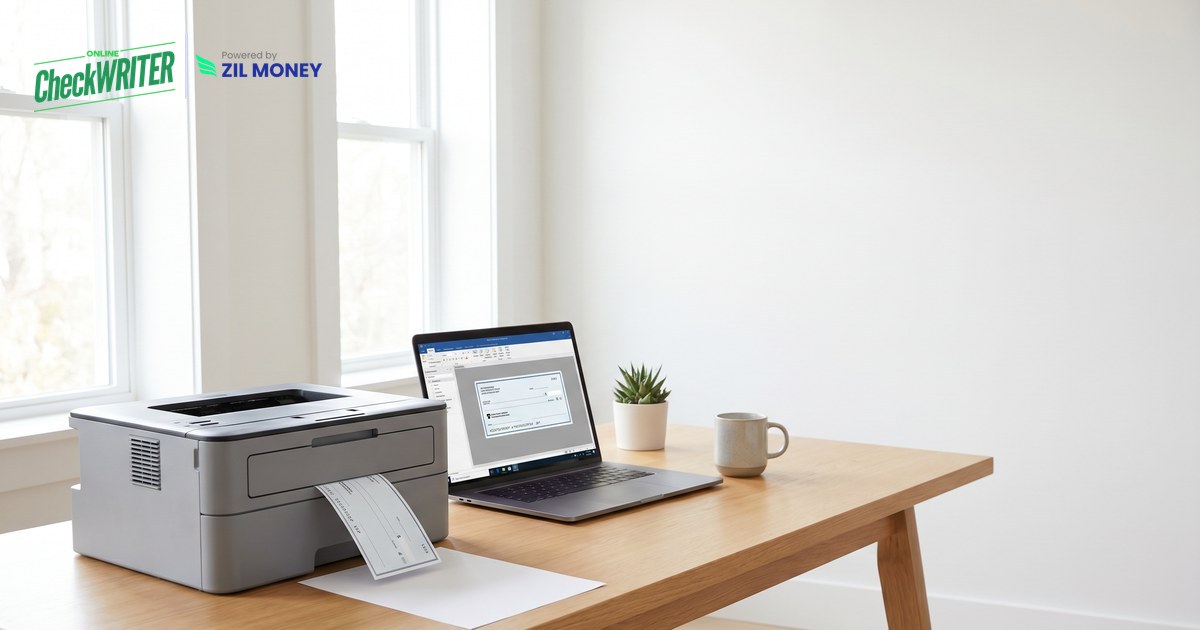
When you need to pay a vendor and the checkbook is empty, a reorder is the last thing you want. The good news: you can print checks online at home on demand instead of waiting on the mail. OnlineCheckWriter.com, powered by Zil Money, is check printing software that lets you create a check on screen and print it on blank stock, with the fields and magnetic ink line placed for you.
The Real Problems With Ordering Pre-Printed Checkbooks
Checks are still part of how businesses pay. In fact, 91% of organizations still use checks, as reported by the Federal Reserve. Yet a pre-printed checkbook makes producing them harder than it needs to be.
The wait never helps. You order a checkbook and hope it arrives before the bill is due. Reorders take days. Meanwhile the vendor is waiting.
The cost adds up. Every reorder is another charge, and every account needs its own book. Manage a few accounts, and the drawer fills with stock you barely use.
One book locks one account. Pre-printed checks tie you to a single bank account. Switch accounts, and you order again from scratch.
Storage is a risk. A stack of pre-printed checks in a drawer is a soft target, so live stock sitting around is an open door.
Corrections are painful. A wrong address on the printed stock means the whole book is off. You cannot edit paper.
No record travels with it. A paper checkbook does not log who you paid or when. Reconciliation becomes a manual hunt.
“Create the check, hit print, and skip the reorder line for good.”
How to Print Checks Online in 6 Simple Steps
Each step below removes one of the problems above.
- Open your account. Sign up and add your business details once. There is no checkbook order and no waiting.
- Add your bank account. Connect the account you want to pay from. You can add more than one and choose per check, so you are not locked to a single book.
- Enter the payment. Type the payee, amount, and date. The platform writes the amount in words and digits for you, which removes a common source of voided checks.
- Use a ready layout. Start from a built-in check template so every field and the MICR line sit exactly where the bank expects them.
- Print on blank stock. Load plain blank check paper and print checks online with a laser printer. No pre-printed book required, and nothing sensitive sits in a drawer.
- Keep the record or go digital. Every check is logged with a number, payee, and status. When paper is not ideal, switch to digital check alternatives like ACH or an emailed check link for the same vendor.
Out of Checks Again?
Skip the reorder. Print business, payroll, and personal checks on blank stock, on demand.
Why Printing Checks on Demand Matters
Paper is still part of business payments, so the goal is not to abandon checks. It is to produce them on your terms instead of a printer’s schedule. Printing on blank stock also helps here, because you are not storing books of live checks, so you print only what you send, and every check carries a record.
On-demand printing turns a slow, single-account chore into a fast, controlled task. You can print your first check before a reorder would even arrive.