

 ChatGPT
 Claude
 Grok
Grok
 Perplexity
 Gemini
Updated August 2026. Quick answer: Checkbook running low, with a lab bill or an on-call relief vet to pay tonight? Printable checks let you print vendor and staff checks on blank stock at your own desk, no mailed reorder needed. The one catch: a bank-compliant check needs a laser printer loaded with magnetic (MICR) ink or toner. A standard inkjet printer cannot produce a readable MICR line, so plan for that hardware before you switch.
Key Takeaways
What Are Printable Checks?
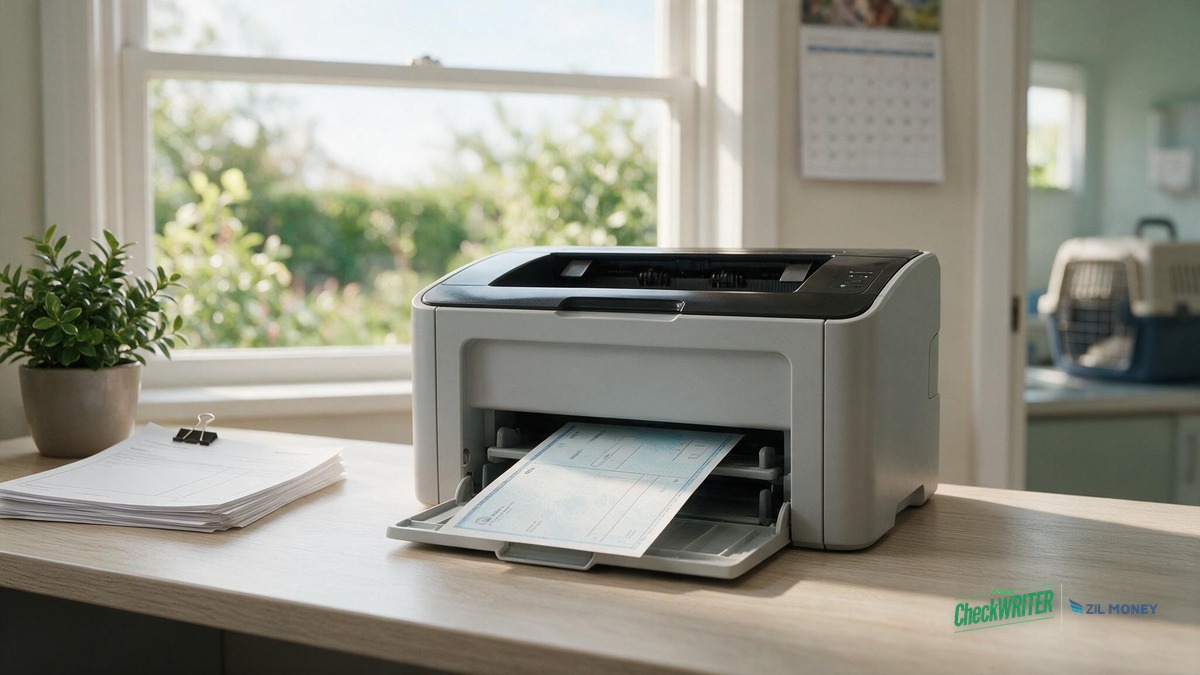
Printable checks are checks a business prints itself on blank check stock. The routing number, account number, payee, and amount get pulled fresh at print time, not preloaded on stock tied to one account. A Nashville veterinary clinic prints one whenever a feed, pharmacy, or lab invoice comes due, or an on-call relief vet needs same-day pay, without holding a box of checkbooks to reorder every time it runs low.
Should a Vet Clinic Order Pre-Printed Checkbooks or Print Blank Checks In-House?
Both get a check into a vendor’s hands, but they behave differently once the clinic’s checkbook starts running low or an unexpected payment comes up.
| Factor | Order Pre-Printed Checkbooks | Print Blank Checks In-House |
|---|---|---|
| Reorder turnaround | Often a week or more, depending on the bank’s print vendor | Blank stock stays on hand; a check prints as soon as it’s needed, once the MICR-ready printer is set up |
| Running low mid-week | A vendor or on-call vet waits on a reorder to arrive | A new check prints the same day, no reorder needed |
| Hardware needed | None; checks arrive pre-printed | A laser printer and MICR magnetic ink or toner |
| Branding and logo | Fixed layout set by the check printer | Clinic logo and layout can be changed anytime |
| Storage risk | Pre-printed checks are a known mail and office theft target | Blank stock should be kept in a locked drawer, not an open shelf |
| Best for | Low-volume, rarely-changing payments | Clinics with irregular vendor timing or on-call staff pay |
What Printer and Toner Does a Compliant Printable Check Need?
The routing and account number line at the bottom of a check is called the MICR line. A laser printer with magnetic ink or toner prints it, so a bank’s reader-sorter equipment can scan it correctly. A MICR toner cartridge loads into a laser printer the same way a regular cartridge does and typically costs somewhat more than plain toner, a cost most clinics recover within a few reorder cycles compared to buying pre-printed checkbooks. For more on how the MICR line is formatted and why banks check it, see OnlineCheckWriter’s guide to MICR line requirements.
| Printer / Toner Combo | Produces a Compliant MICR Line? | Notes |
|---|---|---|
| Laser printer + MICR magnetic toner | Yes | Loads like a normal toner cartridge; this is the compliant setup |
| Laser printer + ordinary (non-magnetic) toner | No | Line looks fine but is not machine-readable to a bank scanner |
| Standard office inkjet printer | No | Cannot produce a bank-readable MICR line under any toner or ink setup |
A bank is not required to accept a non-MICR check, and processing delays or manual review are common when the MICR line is missing or unreadable, so the correct printer and toner combination is not optional.
How Does a Vet Clinic Use Printable Checks to Pay Vendors and Staff?
A small veterinary clinic usually pays two kinds of bills with checks, and printable checks fit both because the routing and account numbers are pulled fresh at print time instead of sitting on pre-printed stock tied to one account.
| Payment Type | Example | When It Prints |
|---|---|---|
| Scheduled vendor invoice | Feed, pharmaceutical, or lab supplier bill | Batched with the clinic’s normal payroll week, once verified against the delivery |
| Irregular staff payment | A 1099 relief vet paid per shift for covering an overnight emergency | Same night the shift ends, no waiting on the next scheduled payroll |
A W-2 staff member’s regular wages still need to go through the clinic’s normal payroll process for tax withholding; the same-night check applies to per-shift relief pay, not off-cycle payroll for an employee.
How Do I Print a Check at My Clinic, Step by Step?
- Verify the vendor invoice or staff payment against the delivery receipt or shift log before printing anything.
- Log in to your OnlineCheckWriter.com account and open the check-printing screen.
- Confirm the payee name and amount pull correctly from QuickBooks or your connected bank account.
- Load blank check stock into a laser printer fitted with MICR magnetic ink or toner.
- Print the check, then hand it to the courier or mail it the same day through USPS or FedEx.
- Update the clinic’s check register right away so the payment is not forgotten by the next reconciliation.
What Mistakes Should a Clinic Avoid With Printable Checks?
- Loading a standard laser toner cartridge instead of a MICR magnetic toner cartridge, which prints a line the bank’s reader cannot scan.
- Buying blank check stock that does not meet standard security-paper specifications before ordering it in bulk.
- Waiting to enroll in Positive Pay until after a forged or altered check has already cleared.
- Leaving blank check stock on an open supply shelf instead of a locked drawer only a few staff can access.
- Going weeks without reconciling printed check numbers against the clinic’s register.
Positive Pay enrollment and the QuickBooks sync covered above are what make in-house printing safer and less error-prone than most clinics expect once both are set up.
Print Blank Checks on Your Own Schedule
Set up your clinic’s check layout once, then print vendor and on-call staff payments on blank stock whenever you need to.
Frequently Asked Questions
What makes a check “printable” instead of pre-printed?
A printable check is created and printed on blank check stock at the time of payment, rather than arriving already printed with your bank’s routing and account numbers on it.
Will an inkjet printer work for a printable check?
No. The MICR line at the bottom of the check needs magnetic ink or toner printed by a laser printer to be machine-readable. A standard inkjet printer cannot produce a compliant MICR line.
Does my bank require a MICR line to accept a printed check?
Most banks expect a MICR-encoded line for automated processing. Some checks without one can still clear through manual or optical review, but that is not something a clinic should rely on for routine vendor or payroll checks.
Can a clinic pay an on-call relief vet with a printable check the same night?
Yes, for a 1099 relief vet paid per shift, as long as blank check stock and a MICR-ready laser printer are already set up. A W-2 employee’s regular wages still need to run through the clinic’s normal payroll process.
Is it legal for a veterinary clinic to print its own checks?
Most banks and state regulations do not require a business to use pre-printed checkbooks, as long as the check meets standard MICR and security-paper requirements. A clinic should confirm its own bank’s account agreement before switching.
What blank check stock does OnlineCheckWriter.com support?
Standard blank check stock that meets security-paper specifications works with the platform. The layout, logo, and fields are set up once and reused for every check printed after that.
How does Positive Pay protect a clinic that prints its own checks?
Positive Pay matches every check that reaches your bank against the checks you actually printed, flagging anything that does not match. Enrolling before a clinic starts printing checks in-house catches an altered or forged check before it clears, not after.
Do printable checks sync with QuickBooks?
They can. OnlineCheckWriter.com’s QuickBooks check printing integration imports payee and amount details from QuickBooks Online or Desktop and exports the printed check back, so the clinic’s books and its printed checks match without entering the same payment twice.
A clinic loses nothing by switching. It trades a week-long reorder wait for a check that prints the moment a feed invoice, lab bill, or on-call shift needs paying. The trade only works if the MICR line prints correctly, on a laser printer with magnetic toner, every time. For more consumer resources on writing, depositing, and handling checks, see the Consumer Financial Protection Bureau’s bank accounts and services hub.
Stop Waiting on a Checkbook Reorder
Once your printer and check stock are set up, print vendor and staff checks on blank stock the same day you need them, then mail or hand them off right away.
OnlineCheckWriter.com – Powered by Zil Money, is a financial technology company and not a bank. Banking services are provided by our partner bank, Member FDIC. FDIC insurance applies only to eligible products associated with those that have funds held in accounts at the partner bank, subject to applicable limits and requirements.