

 ChatGPT
 Claude
 Grok
Grok
 Perplexity
 Gemini
Quick answer: Business checks are checks a company prints and signs to pay vendors, suppliers, or crew instead of relying on pre-printed bank checkbooks. When a mulch yard wants payment on the spot and the checkbook is empty, a Boise, Idaho landscaping company can print its own check with OnlineCheckWriter.com. No reorder. No waiting on the mail. The routing and account number line, the MICR line, still has to print with magnetic ink or toner on a laser printer to be bank-readable.
Key Takeaways
Why Would a Boise Landscaping Company Print Its Own Business Checks?
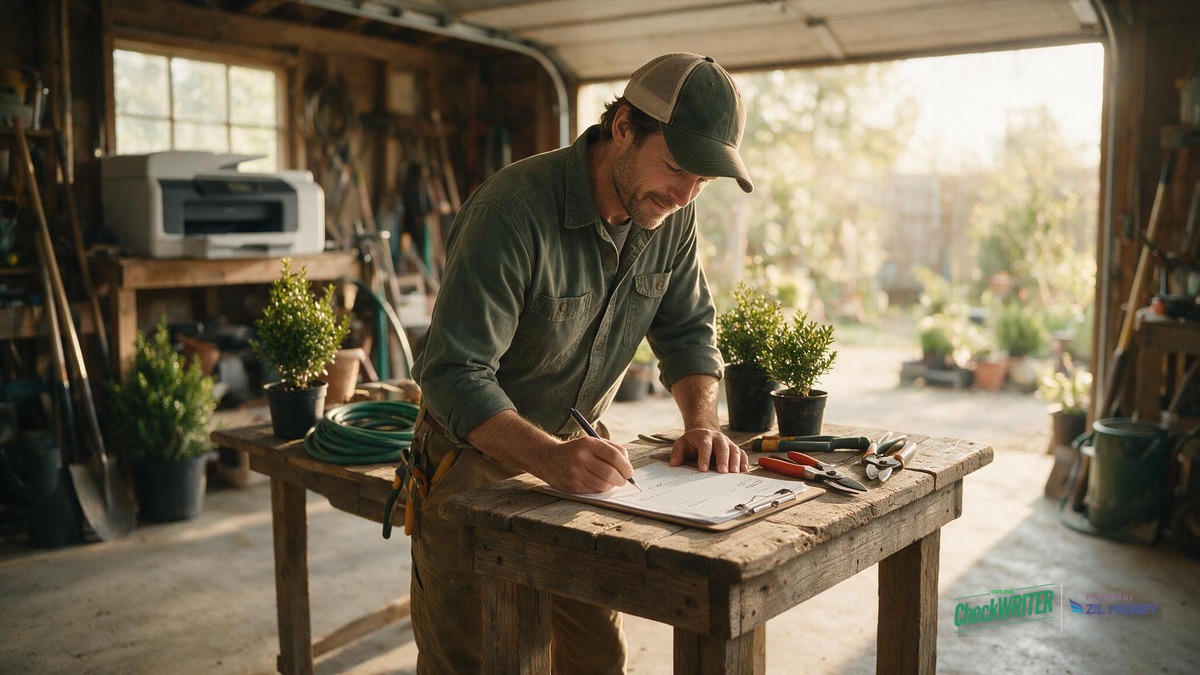
A Boise landscaping crew runs on a mix of standing supplier accounts and same-day purchases. Boise’s lawn and landscaping season runs mostly spring through fall, which means seasonal crew get hired fast and the office checkbook does not always keep up. A pre-printed checkbook fails two ways: the box runs low in the middle of July, or the person who needs to pay a supplier is on a job site, not behind a desk. Printing checks on blank stock removes that bottleneck: the design lives on the account, not in a locked drawer, so a check can be printed wherever there is a laptop and the right printer.
- Mulch yard: wants payment at the counter before a delivery goes out.
- Irrigation supply branch: a parts run before a startup job begins.
- Equipment rental company: a rented aerator or sod cutter due back with a check in hand.
- Fertilizer or seed supplier: a mid-week order that needs paying before pickup.
What Do You Need to Print a Business Check Yourself?
Two things matter once the check design itself is set up: blank check stock, and the right printer. The routing and account number line along the bottom of the check, the MICR line, has to be printed with magnetic ink or toner using a laser printer so a bank’s reader-sorter equipment can read it correctly. A standard office inkjet printer, or a laser printer loaded with ordinary non-magnetic toner, cannot produce a compliant MICR line. Already own a MICR-capable laser printer and the right toner? Print business checks in-house the same day. Don’t have one yet? Budget for that hardware before dropping pre-printed checkbooks.
How Do Seasonal and Part-Time Crew Get Paid by Check?
Seasonal mowing and landscaping crew are often paid weekly by check, especially in the first few weeks before direct deposit paperwork is set up for a new hire. A batch of crew checks can be printed the same way as a vendor check, pulling each worker’s pay from payroll records instead of being written by hand one at a time. Employers still have to withhold and report payroll taxes correctly for seasonal and part-time workers the same as any other employee, with no special exemption just because the work is seasonal; the IRS’s Publication 15 (Circular E), Employer’s Tax Guide covers federal withholding rules that apply regardless of how the paycheck itself is printed. A Boise employer also has separate Idaho state withholding obligations on top of the federal rules.
Pre-Printed Checkbook Reorder vs. Printing Checks On Demand
| Situation | Pre-printed checkbook | Print on demand |
|---|---|---|
| Reorder lead time | Days to weeks, depending on the checkbook vendor and shipping method | Same business day |
| Running low mid-season | Wait on the mail or drive to a bank branch | Print another batch from blank stock |
| Wrote the wrong amount, caught before it’s handed over | Void the paper check; that check number is wasted | Reprint on the spot |
| Working more than one job site | One checkbook, locked in one truck or office | Printed from any computer with account access |
| Rebranding or a new bank account | Reorder a new box of checks | Update the design, no reorder needed |
Should You Pay a Vendor or Crew Member by Check?
Not every payment needs to be a check. A check is a promise to pay, not guaranteed funds. It still has to clear. Decide case by case instead of using one payment method for everything.
| Situation | Check or another method? |
|---|---|
| New supplier that has not set up ACH yet | Check |
| Equipment rental deposit the yard wants on paper | Check |
| Same-day final paycheck for a seasonal worker finishing up | Check |
| More than one crew lead has payment access | Check, with Positive Pay |
| Recurring fuel card or a supplier already on net-30 ACH | ACH, no check needed |
How Do I Print a Business Check for a Vendor or Crew Member?
- Log in to your OnlineCheckWriter.com account and open the check design tool.
- Connect QuickBooks, Xero, or Bill.com if you want the payee and amount to pull automatically from your books.
- Upload your landscaping company’s logo and choose a font style for the check text.
- Enter or import the payee, amount, and memo, then preview the layout before printing.
- Sign the check by hand.
- Print the check on blank check stock using a MICR-capable laser printer and magnetic toner.
- Save the design to reuse for the next vendor or crew payment.
For a batch of seasonal crew paychecks, the same design can be used to print payroll checks for several workers at once instead of one at a time. User roles control who at your company can create or approve a check in the first place. Add Positive Pay once more than one crew lead can write checks. It’s a bank service. It compares each check presented for payment against the batch you approved and flags anything that does not match before it clears.
Print Business Checks for Vendors and Crew
Design your check once, connect QuickBooks, and print on blank stock whenever a vendor or seasonal crew member needs to be paid.
What Should a Business Check Include?
A properly printed business check needs the same fields any bank expects:
- The business name and date
- A “pay to the order of” line
- A boxed dollar amount
- A written-amount line
- A signature line
- The MICR line printed along the bottom
A check design tool lets a landscaping company style its logo and layout around these fields without leaving any of them out or moving the MICR line out of position. How MICR numbers are structured and read at a bank’s reader-sorter is covered in more detail on OnlineCheckWriter’s MICR number guide.
Frequently Asked Questions
Can I print business checks with an inkjet printer?
No. The MICR line at the bottom of the check has to be printed with magnetic ink or toner on a laser printer to be machine-readable at the bank. A standard inkjet printer cannot produce a compliant MICR line.
Is it legal for a landscaping business to print its own checks?
Printing your own business checks on blank stock is a widely accepted practice, and no federal banking law requires a business to buy pre-printed checkbooks from a bank or check printer. Check your account agreement or ask your bank about any format requirements specific to your account before switching.
Can I pay seasonal or part-time crew members with a printed check?
You can. A batch of crew paychecks can be printed the same way as a vendor check, which is common for new seasonal hires before direct deposit is set up.
Will a supplier accept a business check I printed myself?
A self-printed check carries the same routing, account, and MICR fields, encoded to the same ANSI X9 MICR standard, that any bank-ordered check uses. Final acceptance is still up to your bank’s and the supplier’s own review.
Does printing business checks work with QuickBooks?
It does. The check design connects with QuickBooks, Xero, and Bill.com, so a printed check can pull payee and amount details straight from your existing records.
Can more than one person at my landscaping company print or approve checks?
Team members you grant access to can print or request checks based on the role and permissions you set for them. Positive Pay can flag any check that does not match what you approved.
How much does it cost to print business checks this way?
OnlineCheckWriter.com’s plans start at $5 a month, with a 15-day trial to test the check design and printing workflow before committing. Blank check stock and MICR toner are a separate one-time hardware cost if you do not already own a MICR-capable laser printer.
What happens if I print a business check with the wrong amount?
If you catch the mistake before the check is handed over or deposited, void it and print another one. If the check has already reached the payee or the bank, voiding does nothing; you would need to request a stop payment through your bank instead. Since the design lives on your account rather than on pre-numbered paper, a misprint you catch early does not waste an entire box of checkbooks.
A landscaping company’s business checks do not have to live in a locked drawer, tied to whichever truck the checkbook happened to ride in that morning. Once the design is set with the right logo and layout, and the MICR line is printed correctly on a laser printer with magnetic toner, a check for the mulch yard or a seasonal crew member’s final paycheck can go out the same day it’s needed, from wherever the job is.
Stop Waiting on a Checkbook Reorder
Build your landscaping company’s check design once and print vendor and crew payments on blank stock the same day, from the shop or the truck.
OnlineCheckWriter.com – Powered by Zil Money, is a financial technology company and not a bank. Banking services are provided by our partner bank, Member FDIC. FDIC insurance applies only to eligible products associated with those that have funds held in accounts at the partner bank, subject to applicable limits and requirements.