

 ChatGPT
 Claude
 Grok
Grok
 Perplexity
 Gemini
Quick answer: Check paper for printing is check-grade paper stock, usually around 24 lb with a security watermark or tint, that you load into your own printer instead of buying pre-printed checkbooks. Some check software, including OnlineCheckWriter.com, also lets you print on plain white paper. You may have read that any standard printer works for check printing. That’s true for how the check looks: the payee line, the amount, and the design print fine on almost any printer. It is not true for the MICR line along the bottom. For that line to carry a true magnetic signal a bank’s equipment can read, you need a laser printer loaded with MICR toner. A standard inkjet printer can produce a check that looks correct but cannot lay down that signal.
Key Takeaways
What Is Check Paper for Printing?
Check paper for printing is paper made to carry a finished check once your check software fills in the payee, the amount, and your bank’s routing and account numbers. Dedicated check stock is heavier than copy paper, usually around 24 lb versus a standard 20 lb sheet, and it typically carries a security tint, a watermark, or similar anti-tamper features built into the sheet itself. Plain white paper does not have those features built in, though some check software, including OnlineCheckWriter.com, still supports printing on it. Most check paper ships as standard letter-size sheets, 8.5 by 11 inches, formatted for one, two, or three checks per page depending on your software. Either way, the paper is only half the job. What actually determines whether a bank can read the check is the printer and toner you use to put ink on it.
Does Check Paper Need a Laser Printer, or Will Inkjet Work?
An inkjet printer can print a check that looks correct on check paper, with clear text and a properly formatted layout. What it cannot do is lay down a true magnetic signal along the bottom of the check, the MICR line, because inkjet ink is not magnetic. The banking industry’s print standard for this line, ANSI X9.100-20, spells out the shape, spacing, and magnetic signal strength required for the E-13B characters that appear there. MICR printer makers build their equipment to at least 600 dpi resolution to meet it, loaded with genuine MICR toner rather than inkjet ink of any brand. Many checks still clear through optical scanning instead of a magnetic read. Modern check processing also relies on image-based clearing under the Check Clearing for the 21st Century Act (Check 21 Act), but that shift toward imaging does not remove the magnetic-read step at the front of the process, and a bank is never required to fall back on optical scanning if the magnetic line fails to read. A laser printer loaded with real MICR toner is the setup that matches the standard directly, rather than relying on a bank’s optical fallback to catch what the printer itself did not encode.
What Toner Do I Actually Need?
MICR toner contains iron oxide, which is what gives the printed characters on the bottom band of a check their magnetic signal. It loads into a laser printer the same way ordinary toner does. For everyday check volumes, many businesses get an acceptable MICR line from a regular laser printer running MICR toner and true E-13B check font, the specific character set banks are built to read. For higher volume, a dedicated MICR printer, from makers such as TROY or Source Technologies, adds tighter alignment and toner density control than a general-purpose laser printer. None of this requires industrial print equipment. A laser printer, the right toner, and the correct font cover nearly everything a bank needs to see. See our MICR line explainer for more on how a bank actually reads that line, or use OnlineCheckWriter.com’s check printing tool to fill in and format the check itself.
How Do I Load Check Paper So It Doesn’t Jam?
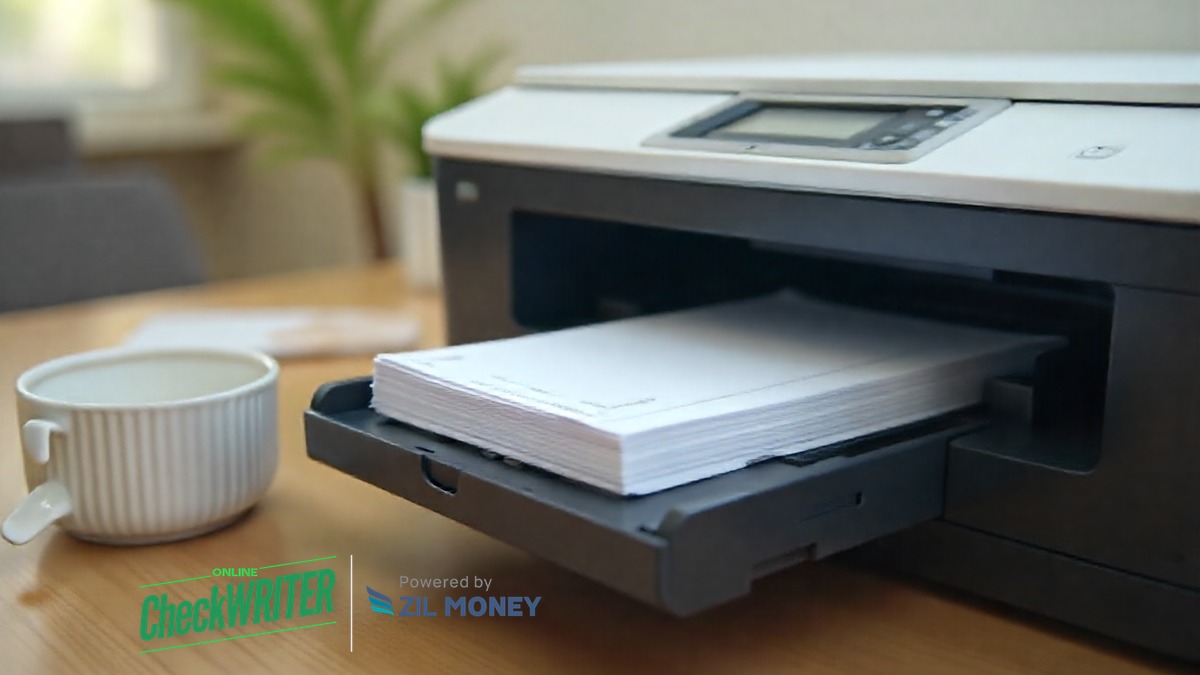
Check paper is heavier than standard copy paper, so a tray set to normal or lightweight paper can misfeed it, curl it, or jam it partway through a print. Load check paper into its own tray, separate from any plain paper already loaded, so the printer does not mix stock mid-job. Fan the sheets before loading them, the way you would a deck of cards, so they do not stick together and feed two at once. Confirm the paper orientation matches what your check software expects; printing a check upside down or backward on stock with a security watermark wastes a sheet you cannot easily reuse.
What Print Settings Should I Use for Check Paper?
In your printer driver, set the media type to “heavy,” “cardstock,” or the closest equivalent your printer offers, rather than leaving it on plain paper. Turn off any “fit to page” or “shrink to fit” scaling option, since check paper needs to print at actual size for the payee line, amount box, and MICR band to land where your bank expects them. If your printer has a manual feed slot, use it for check paper batches under a few dozen sheets. It usually gives more consistent alignment than pulling from a shared tray.
How Do I Print a Check on Blank Check Paper, Step by Step?
- Confirm your printer type. If the check needs to clear reliably by its magnetic line, use a laser printer, not an inkjet.
- Load your check paper into its own tray, fanned first, oriented the way your check software’s instructions describe.
- In the printer driver, set the media type to heavy or cardstock, and turn off any page-scaling option.
- Run one alignment test, either your check software’s built-in preview or a test print on plain paper held against a sheet of check paper, before you print an actual check.
- Confirm with your bank that it accepts checks printed on the stock and setup you’re using, especially before you rely on it for regular, high-volume printing.
- Print the check, then check the bottom band for smudges, faint characters, or a line that sits too close to the edge.
- Store unused check paper in a locked drawer near the printer. A blank sheet becomes a real, payable check the moment someone fills it in and prints it, and you’re responsible for watching your account for any check you didn’t authorize.
Repeat this setup once per printer, not once per check. Once your tray, driver settings, and toner are dialed in, printing the next check is a normal print job.
Skip the Trial and Error
OnlineCheckWriter.com formats every check to fit standard check paper automatically, so tray settings, toner, and the printer itself are the only variables left for you to get right.
Frequently Asked Questions
What is check paper for printing, exactly?
It is check-grade paper, or in some cases plain white paper, that carries no bank details until your check software fills them in and you print the finished check on your own printer.
Is it legal to print my own checks?
Yes, in general. There is no federal law requiring you to use pre-printed checkbooks from your bank. What matters is that the check carries accurate account and routing information and, ideally, a MICR line a bank’s equipment can read.
How can I tell if my printer is a laser printer?
Check the model number on the front or back of the printer against the manufacturer’s site, or check what it takes: a laser printer uses a toner cartridge and a heat process to fuse the image to the page, while an inkjet uses liquid ink cartridges. If you’re not sure, your printer’s setup menu or manual will say which type it is.
Will a bank reject a check printed without MICR toner?
Not necessarily on any single check, since some checks still clear through optical scanning. But a bank isn’t required to fall back on optical scanning, so a rejected or delayed check is a real risk when you skip MICR toner. Treat MICR toner as the safe default rather than an optional upgrade.
Why does my check paper keep jamming even in its own tray?
A common cause is stock that sat in a humid drawer or open box too long and picked up a slight curl, which throws off the feed even in the correct tray. Store unopened check paper somewhere dry and flat, and pull a fresh sheet or two to test if jamming continues after you’ve already set the media type correctly.
Can I print check paper on both sides?
Checks are printed on one side. Turn off any duplex or two-sided printing default before you run a check paper job, so the back of your check paper stays blank.
Does “toner saver” or draft mode affect a printed check?
Turn off toner saver or draft and economy print modes before you print a check. Those modes lighten toner density on purpose to save cost, which can weaken the MICR line’s magnetic signal even though the check still looks fine to the eye.
Does check paper need to be a specific size?
Most check software is built around a standard letter-size sheet, 8.5 by 11 inches, formatted for one to three checks per page. Confirm your check paper matches the size and layout your software expects before you print in volume, so fields don’t shift out of place.
How much does check paper cost compared to pre-printed checks?
Blank check paper plus your own toner is often less expensive than ordering pre-printed checkbooks, though the exact savings depend on your print volume and the stock you choose. For most businesses, the bigger win is convenience: you print checks on demand instead of waiting on a mailed order or running out mid-month.
What if the printed check looks smudged or misaligned?
Reprint on a plain test sheet first. A smudge often points to a low or failing toner cartridge, and misalignment usually traces back to a tray or driver setting rather than the check paper itself.
Most of the mistakes on this page happen once, on the first check, and never again after that. If you’re still fighting jams or a faint MICR line after your third or fourth print run, the problem usually isn’t the paper. Check the toner cartridge first.
Ready to Print Your Own Checks?
Set up your account, load compatible check paper, and print your first check as soon as you’re ready.
OnlineCheckWriter.com, powered by Zil Money, is a financial technology company and not a bank. Banking services are provided by our partner bank, Member FDIC. FDIC insurance applies only to eligible products associated with those that have funds held in accounts at the partner bank, subject to applicable limits and requirements.