
Print Checks for Your Bank of America Account
Need to pay by check without waiting for preprinted checks to arrive?
Create a check using your Bank of America account. Add the payee, amount, date, and memo. Review the check, then choose how you want to deliver it.
- Print the check on blank check stock
- Have the check printed and mailed
- Email a one-time printable check to your payee
Create one check or prepare several payments from one cloud-based check printing platform.
OnlineCheckWriter.com - powered by Zil Money, is a financial technology company, not a bank. Banking and money movement services are provided through partner financial institutions and licensed service providers. FDIC insurance coverage applies only to eligible deposit products and accounts, and is subject to applicable terms, conditions, limitations, and requirements. Additional information regarding partner institutions, products, and services is available in the applicable terms and agreements.




Click Here For Interactive Demo ⬇
TRUSTED BY MILLION PLUS USERS
Online Payments and More
OnlineCheckWriter.com offers a wide range of services to its customers to meet their business needs. Pay and get paid by ACH, eChecks, direct deposits, RTP, printable checks, and $1.25 checks by mail with low transaction fees.
Our Features AP/AR
OnlineCheckWriter.com - Powered by Zil Money offers a wide range of payment features to make your business transactions secure and flexible. Now you can pay and receive payments with the easy-to-use software and dive into the journey.

Check Printing
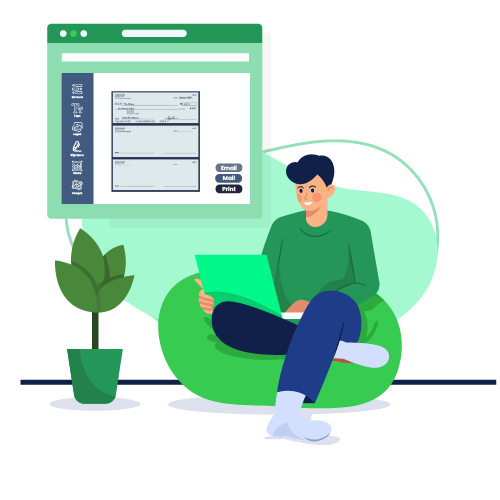
Create and print business checks at your office desk with a drag and drop design.

ACH
Pay or get paid one-time or recurring ACH/RTP with low transaction fees.

Integration
Integrate with the top third-party applications.

Pay Bill
Pay Bills Online, Schedule them, Manage suppliers, and reduce risk.

Payments by Credit Card
Now pay by credit card even if they don't accept them.

Wire Transfer
Transfer money electronically from one financial institution to other.

Deposit Slips
Create & print the deposit slip of any Bank. Keep track & auto reconcile it.

Invoicing
Create invoice to your customer and send link through email.

Cloud Bank
Open an online checking account with no hidden charges.

Email Check
Send your checks as a one-time printable pdf with a tracking facility.

Payment Link
Create an HTML form or link to receive payments.

User/Approver
Give access to accountant or clients with a role based user and approval process.

Overnight Check Mailing
Overnight Check mailing without leaving your desk. We print and mail it by FedEx.

Digital Checks
Digitize your paper checks and make your payments via email or text.

Bank Data
Connect & reconcile, Categorize from Any Financial Institution automatically.

API/White Label
Interactive developer-friendly API. Complete white label solution.

Can You Print Checks for a Bank of America Account?
You can create and print checks from a Bank of America account that supports check payments.
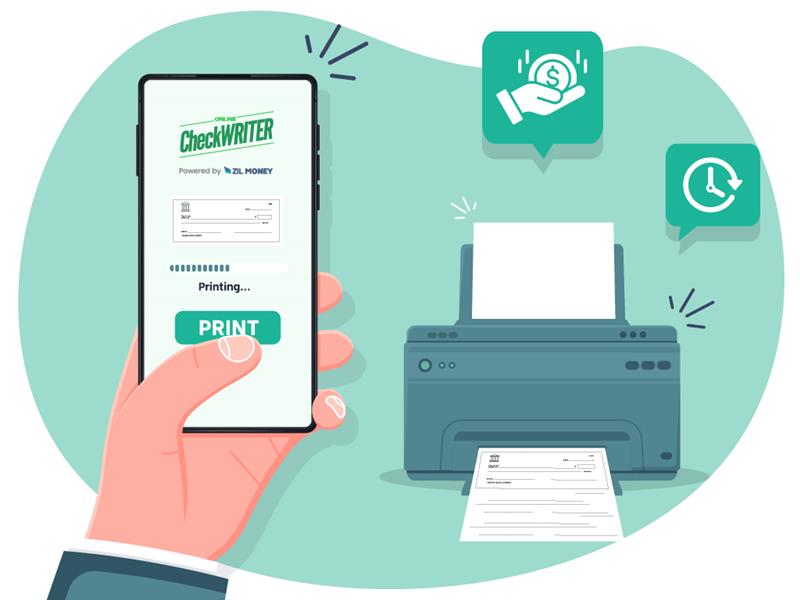
Add your account information, enter the payment details, and review the check before printing. You can print on blank check stock using a compatible home or office printer.
You can also have the check printed and mailed or send a one-time printable check by email.
The money stays in your Bank of America account until the check is deposited or processed. OnlineCheckWriter.com creates and delivers the check but does not hold the check funds.
Choose How You Want to Deliver the Check
Create the check once, check the payment details, and choose the delivery option that fits your payment.
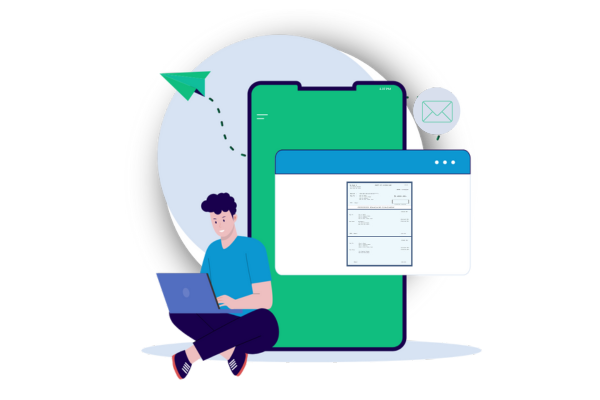
Print the Check Yourself
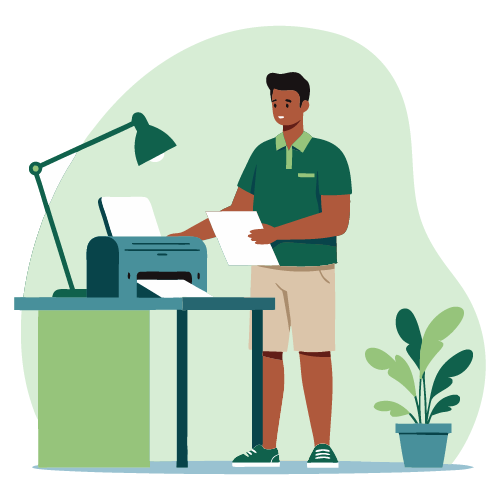
Print a physical check from your home or office.
Select your Bank of America account, enter the payment details, and preview the check. Then print it on blank check stock using a compatible printer.
Print a test copy on plain paper first. Check the margins, paper position, and account details before printing the final check.
This option works well when you need to:
- Give the check to someone in person
- Add it to your outgoing mail
- Prepare vendor payments at the office
- Print several checks during a payment run
Have the Check Printed and Mailed
Send a physical check without printing it, preparing an envelope, buying postage, or visiting a post office.
Enter the payee’s mailing address and choose an available USPS or FedEx delivery service. OnlineCheckWriter.com prints the check, prepares the envelope, and sends it through the selected service.
Standard First-Class Mail currently costs $1.25 per check. First-Class Mail with tracking currently costs $8.10 per check.
Mailing prices may change. Review the current total before sending the check.
Send a Printable Check by Email
Email a check when your payee can receive and print it.
Enter the payee’s email address and send a one-time printable check. The payee receives an email with access to the check, prints it, and deposits it using a method accepted by their financial institution.
How to Create a Bank of America Check Online
Follow these five steps to create, review, and deliver your check.
1. Add or Select Your Account
Sign in to OnlineCheckWriter.com.
You can add your existing account manually or connect it through the available bank connection.
When adding the account manually, enter the required details, including:
- Account type
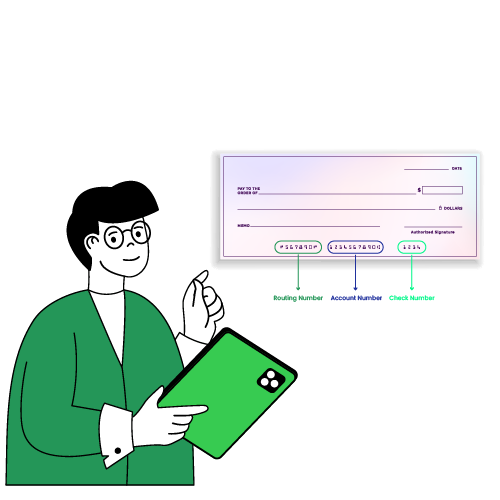
- Routing number
- Account number
- Starting check number
- Signature, when used
Review the information before saving the account.
2. Add the Payee and Payment Details
Choose the Bank of America account you want to use.
Enter the:
- Payee name
- Payment amount
- Issue date
- Check number
- Memo
- Invoice number, when needed
Make sure the payee name is written correctly.
3. Preview the Check
Open the check preview before printing or sending it.
Review the:
- Routing number
- Account number
- Check number
- Payee name
- Numerical amount
- Written amount
- Issue date
- Memo
- Signature settings
Make sure the numerical and written amounts match.
4. Choose Print, Mail, or Email
Choose how you want to deliver the check.
Print it yourself, select an available mailing service, or email a one-time printable check to the payee.
5. Keep the Payment Record
Save the payment details and check number in your records.
Use a different check number for each payment. This helps you follow payment activity and avoid duplicate check numbers.
What You Need Before You Start
Prepare the following information before creating the check:
- A Bank of America account
- Your routing number
- Your account number
- Your next check number
- The payee’s full name
- The payment amount
- The payment date
- A memo or invoice number, when needed
- The payee’s mailing address or email address
- Blank check stock and a compatible printer if you plan to print it
Why Print Checks Online?
Online check printing gives you another way to prepare a check when you do not have the right preprinted check available.
It may help when you:
- Need to make a payment before a new check order arrives
- Make occasional check payments
- Pay vendors from different accounts
- Prepare several checks during one payment run
- Want to review each check before printing
- Need to keep check numbers and payment details together
- Want the choice to print, mail, or email a check
OnlineCheckWriter.com does not replace Bank of America’s banking services. It provides a way to create and deliver checks from an account.
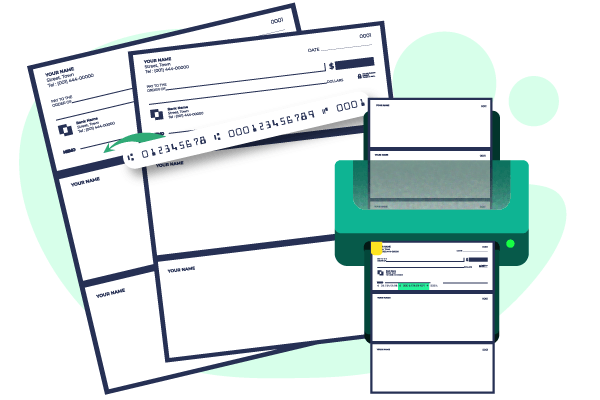
Print on Blank Check Stock
Blank check stock does not have your bank account or payment information printed on it before use.
When you create the check, the platform adds the selected account details, check number, payee, amount, date, and memo to the check layout.
Before printing the final check:
- Print a test copy on plain paper.
- Place it over the blank check stock.
- Check the paper position and margins.
- Review the routing and account numbers.
- Confirm the check number.
- Make sure no text is cut off.
- Print the final check.
Keep unused check stock in a controlled location. Allow access only to people who are authorized to create check payments.
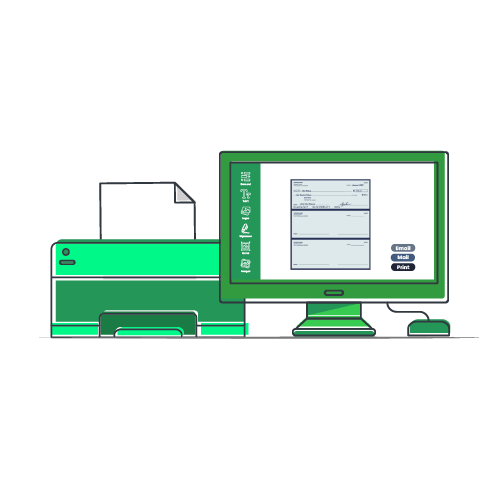
Business and Personal Check Payments
You can create checks for business or personal payments.
Businesses may use checks for:
- Vendor payments
- Contractor payments
- Rent
- Customer refunds
- Employee reimbursements
- Other approved business expenses
Individuals may use checks for rent, contractors, home services, or other payments when the recipient accepts checks.
Should You Order Checks or Print Them Online?
Both options can be useful. The right choice depends on why you need the checks.
Order Checks Through Bank of America When You:
- Want a standard personal or business checkbook
- Want duplicate checks
- Prefer a design offered through Bank of America’s check provider
- Do not need to make a check payment before the order arrives
Use OnlineCheckWriter.com When You:
- Need to create a check before a new order arrives
- Want to print on blank check stock
- Need to prepare several business checks
- Want the choice to print, mail, or email the check
- Need to keep payment details and check numbers together
See the Check-Printing Process
View the interactive demo before creating your first check.
The demo should show how to:
- Select an account
- Add a payee
- Enter the amount and date
- Review the check layout
- Choose print, mail, or email delivery
Check the Details Before You Send
Review the check before printing, mailing, or emailing it.
Confirm that:
- The account supports check payments
- The account has enough available funds
- The routing and account numbers are correct
- The check number has not been used before
- The payee name is correct
- The numerical and written amounts match
- The issue date is correct
- The mailing address or email address is correct
- The printed check is properly aligned
A short review can help you catch an error before the check reaches the payee.

MULTIPLE FEATURES, ONE PLATFORM

CONNECT ANY BANK, PREVENT FORGERIES

USE CREDIT CARD TO MAKE PAYMENTS
Why OnlineCheckWriter.com?
OnlineCheckWriter.com is a complete check printing and management solution for businesses and individuals. It simplifies check writing and management, saving time and money. OnlineCheckWriter.com customizes checks for users’ demands and branding.
Frequently Asked Questions
Can I print checks for my Bank of America account?
Yes. You can create checks from a Bank of America account that supports check payments. Enter the correct account and payment details, preview the check, and print it on blank check stock using a printer.
Is OnlineCheckWriter.com part of Bank of America?
No. OnlineCheckWriter.com is a cloud-based check printing platform. It is not owned by, affiliated with, or endorsed by Bank of America.
Can I use a home or office printer?
You can use a home or office printer. Print a test copy first and check the paper size, margins, and alignment before printing the final check.
Can OnlineCheckWriter.com mail the check for me?
Yes. Enter the payment and mailing information, then choose an available USPS or FedEx service. Tracking is available only with delivery methods that include tracking.
Can I email a check?
Yes. You can send a one-time printable check by email. The payee can print the check and deposit it using a method accepted by their financial institution.
Does emailing a check withdraw the money right away?
No. Sending the email does not withdraw the money. The money is taken from the account when the payee deposits the check and it is processed.
Can I order checks directly from Bank of America?
Yes. Bank of America customers can order checks through Online Banking or the Bank of America mobile app.
Can I use the same check number again?
Use a different check number for each payment. Reusing a check number can make payment records harder to follow and may create processing problems.
What should I do if the check does not align correctly?
Print a test copy on plain paper. Check the selected paper size, margins, printer scaling, and check position. Adjust the layout before printing on blank check stock.
Create and Deliver Your Next Check
Add the payee and payment details, review the check, and choose how you want to deliver it.
Print it from your home or office, have it mailed, or send a one-time printable check by email.
REVIEWS FROM ESTEEMED CUSTOMERS
Here are some precious reviews from our customers. We are pledged to make your life simple with all our features.


Frank Czar
Bimal Daftari

Travis Copeland
Frank Czar
Bimal Daftari