

 ChatGPT
 Claude
 Grok
Grok
 Perplexity
 Gemini
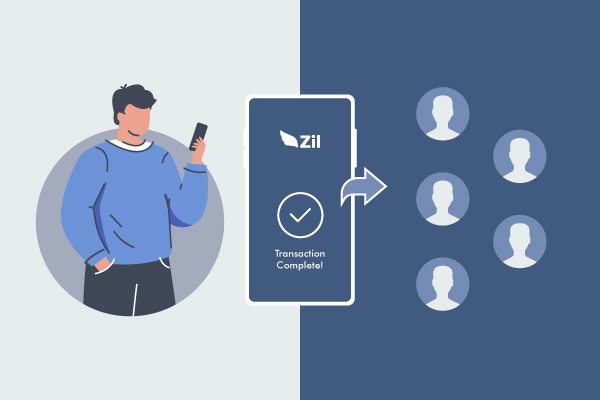
Zil.US’s Bulk Payment feature is a convenient tool that enables users to process multiple payments simultaneously in a single go. This cloud-based payment solution provides a streamlined and efficient way for businesses to manage their payment processes, saving valuable time and effort.
With the Bulk Payment feature, users can easily upload a batch of payments from a CSV or Excel file, and Zil.US’s software automatically processes the payments in real time. This feature supports various payment types, including ACH payments, wire transfers, checks, and Gift cards.
Businesses can automate and accelerate their payment processes by using the Bulk Payment feature, reducing the risk of errors and delays, and improving their overall financial management. This tool is handy for businesses that need to process a large volume of payments regularly, such as payroll, vendor payments, or recurring bill payments.
Zil.US’s Bulk Payment feature is essential for businesses to streamline payment processes and improve their financial management capabilities. It provides a fast, easy, and secure way to process bulk payments, making it an ideal solution for businesses of all sizes and types.