

 ChatGPT
 Claude
 Grok
Grok
 Perplexity
 Gemini
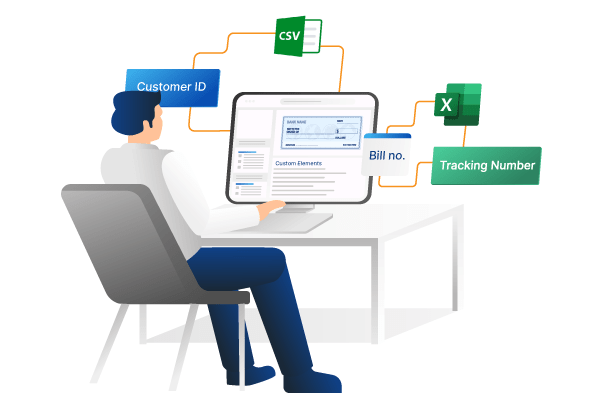
OnlineCheckWriter.com – Powered by Zil Money offers a convenient and user-friendly solution for individuals and businesses looking to create personalized checks. The platform’s latest update of its feature is importing custom elements from CSV or Excel files into the check design. This functionality lets users infuse their checks with a personal touch by incorporating their preferred details, such as brand name, text, etc. Whether you want to include your company’s branding or unique information on your checks, OnlineCheckWriter.com empowers you to do so seamlessly. This level of customization ensures that your checks serve their financial purpose and reflect your distinct identity.
With the option to import custom elements, OnlineCheckWriter.com opens up a world of creative possibilities. Users can utilize this feature to enhance the visual appeal of their checks, making them more appealing and professional. The platform’s support for CSV and Excel file formats streamlines the process, making it accessible and efficient for individuals and businesses. By facilitating such customization, OnlineCheckWriter.com empowers users to maintain a strong and consistent brand image while making financial transactions.
The new updation lets users include specific details vital for record-keeping and accounting purposes. This flexibility and adaptability make OnlineCheckWriter.com a valuable tool for those seeking checks that are not only visually appealing but also tailored to their unique needs.