
How to Make and Print Checks Online
Create a business check when a payment is due without waiting for another order of preprinted checks. Add your authorized bank-account information, payee, amount, date, memo, and check number. Review the completed layout, then print the check, submit it for mailing, or send it as an eCheck.
OnlineCheckWriter.com - powered by Zil Money, is a financial technology company, not a bank. Banking and money movement services are provided through partner financial institutions and licensed service providers. FDIC insurance coverage applies only to eligible deposit products and accounts, and is subject to applicable terms, conditions, limitations, and requirements. Additional information regarding partner institutions, products, and services is available in the applicable terms and agreements.





Click Here For Interactive Demo ⬇
TRUSTED BY MILLION PLUS USERS
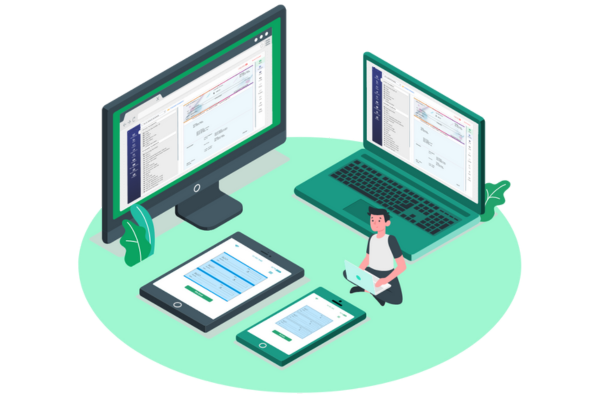
Create Checks for the Way Your Business Pays
- Create checks from bank accounts
- Use blank check stock or compatible preprinted checks
- Customize supported check-layout elements
- Print checks from your home or office
- Submit checks for mailing
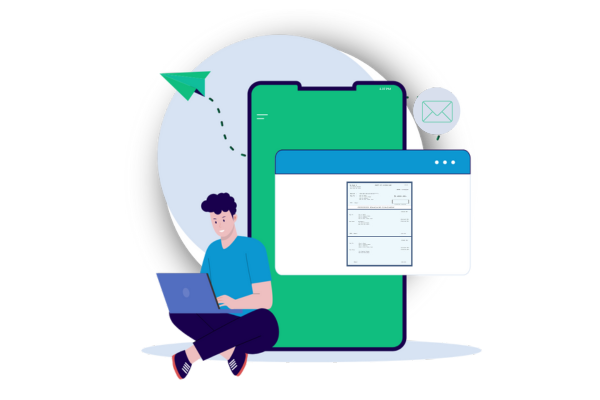
- Send printable eChecks by email
- Keep issued-check records in one platform
How Do You Make a Check Online?
To make checks online, select a bank account and check template. Enter the date, payee, numerical amount, written amount, memo, and check number. Review the completed check for accuracy. You can then print it using compatible paper and printer.

MULTIPLE FEATURES, ONE PLATFORM

CONNECT ANY BANK, PREVENT FORGERIES

USE CREDIT CARD TO MAKE PAYMENTS
How to Create and Print a Check
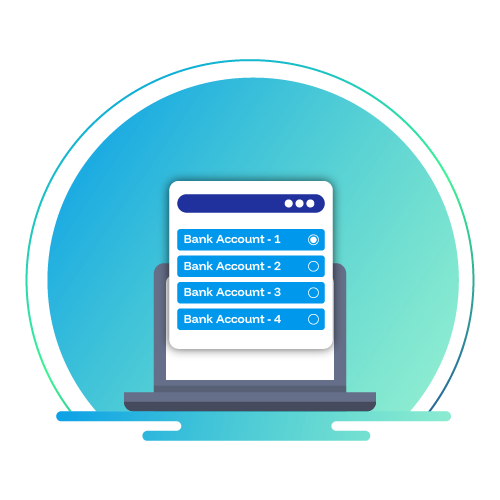
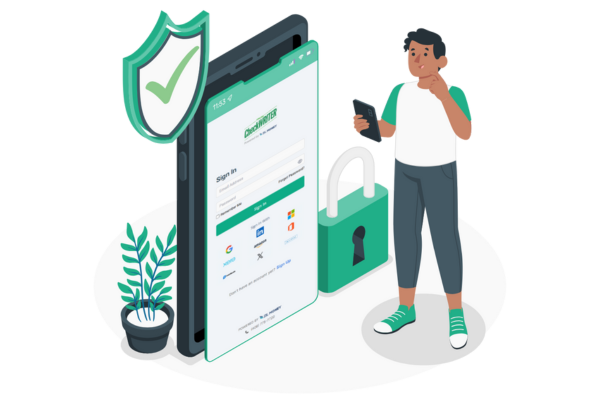
1. Select Your Bank Account
Sign in to OnlineCheckWriter.com and open the check creation area.
Select the bank account you want to use. Review the business name, address, routing number, account number, and starting check number before creating the payment.
You can save separate check-layout information for different authorized accounts where supported.
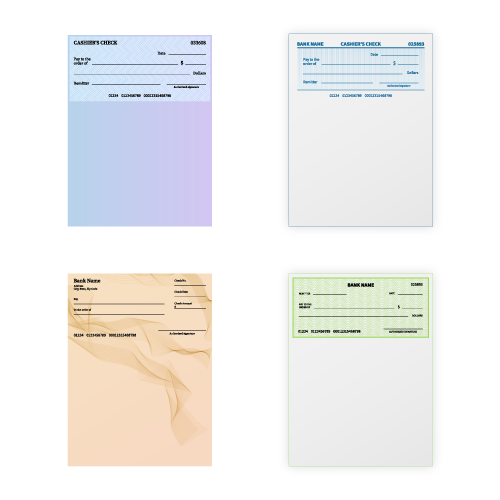
2. Choose a Check Layout
Choose a layout for your check paper and accounting process.
Available formats may include:
- Check at the top
- Check in the middle
- Check at the bottom
- Three checks per page
- Blank check stock
- Compatible preprinted checks
3. Enter the Check Details
Add the information required for the payment:
- Enter the amount
- Choose the bank account
- Choose the payee
- Memo or invoice reference
- Check number
4.Review the Check
Preview the completed check and confirm that the payment details are correct
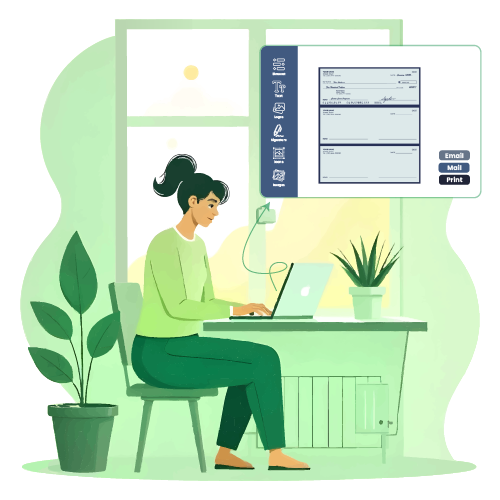

5. Print or Send the Check
After reviewing the check, choose the appropriate delivery method.
You can:
- Print the check from your home or office
- Save it for printing later
- Submit it for check mailing
- Send a printable eCheck by email
- Send it through an approval process when approvals are enabled
Available delivery methods, account requirements, processing times, and charges vary by service.
Use Bank Information
Create checks only from accounts you own or are authorized to use. Review routing and account numbers before saving a bank-account setup.
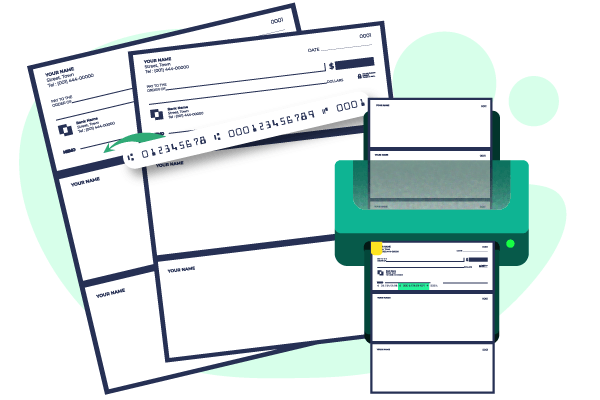
Select Compatible Check Paper
Choose blank check stock or preprinted check paper. Check stock commonly includes perforated sections for the check and payment stubs.
Check the Printer Setup
Confirm the paper size, orientation, scaling, margins, and print quality before printing the final check. A test print can help you find alignment problems before using check stock.
Blank Check Stock or Preprinted Checks?
Blank Check Stock
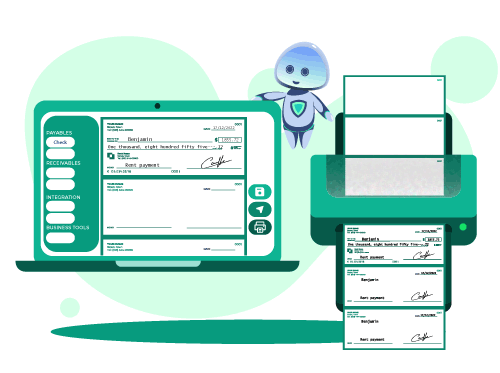
OnlineCheckWriter.com supports different printing workflows based on your paper and account setup.
Blank check stock does not contain preprinted bank-account information. The applicable business, bank, payment, and check information is added during printing.
Blank stock may be useful for businesses that issue checks from several authorized bank accounts because they do not need separate preprinted stock for every account.
Create Checks for Common Business Payments
Businesses can create checks for payments such as:
- Vendors and suppliers
- Contractors
- Payroll
- Rent
- Utilities
- Insurance
- Refunds
- Employee reimbursements
- Professional services

Customize Business Checks
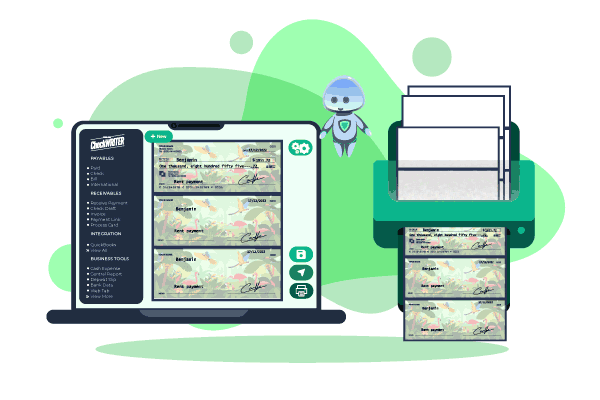
Add your approved business details to create a consistent check layout.
Supported customization may include:
- Business name and address
- Company logo
- Font and field placement
- Authorized signature
- Memo section
- Payment stub
- Additional remittance information
Design changes should not interfere with required check information or bank-processing fields.
Print Checks or Order Preprinted Checks?
| Consideration | Create and Print Checks Online | Order Preprinted Checks |
|---|---|---|
| Getting a new check | Create it when a payment is due | Wait for the order to arrive |
| Bank accounts | Save layouts for different authorized accounts | Keep separate stock for each account |
| Payment information | Enter details before printing | Write or print details on ordered stock |
| Layout updates | Update supported digital elements | Place another order |
| Quantity | Print based on current payment needs | Order a set quantity |
| Delivery | Print, mail, or send an eCheck where available | Issue and deliver the physical check |
| Cost | Depends on the plan, paper, printer, and delivery method | Depends on quantity, design, and shipping |
Review current plans and transaction charges before selecting a printing or delivery method.
Choose How to Deliver the Check
Print the Check Yourself
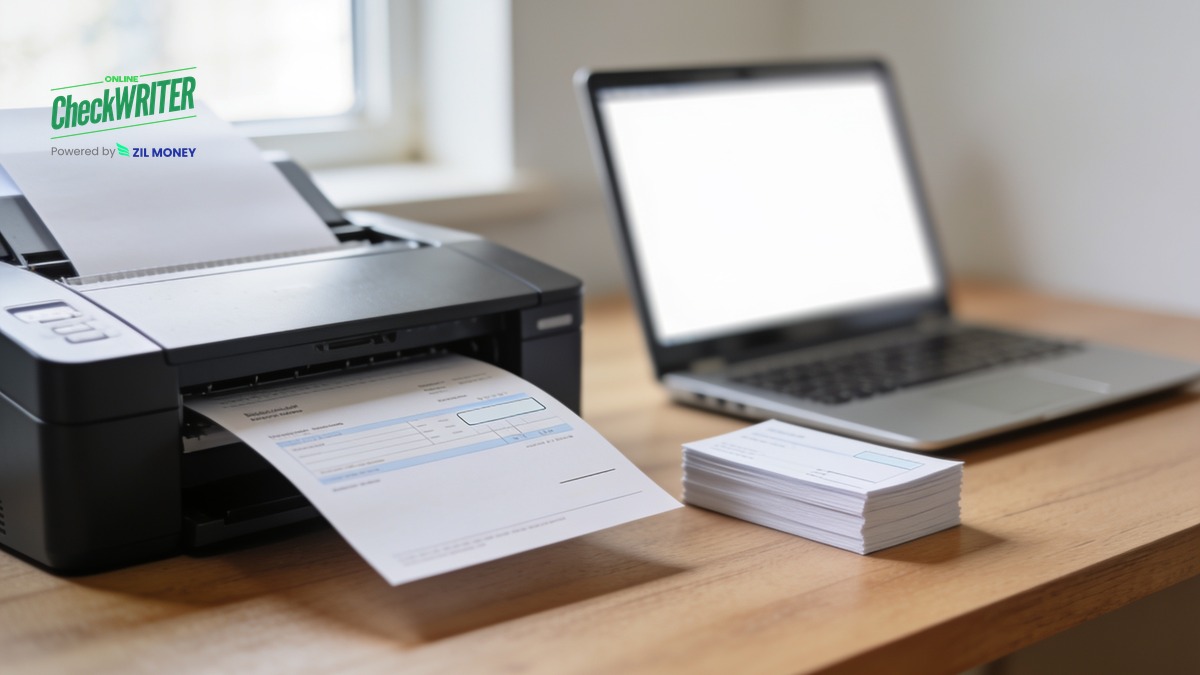
Create and review the check, then print it using compatible check paper and printer settings.
Mail the Check
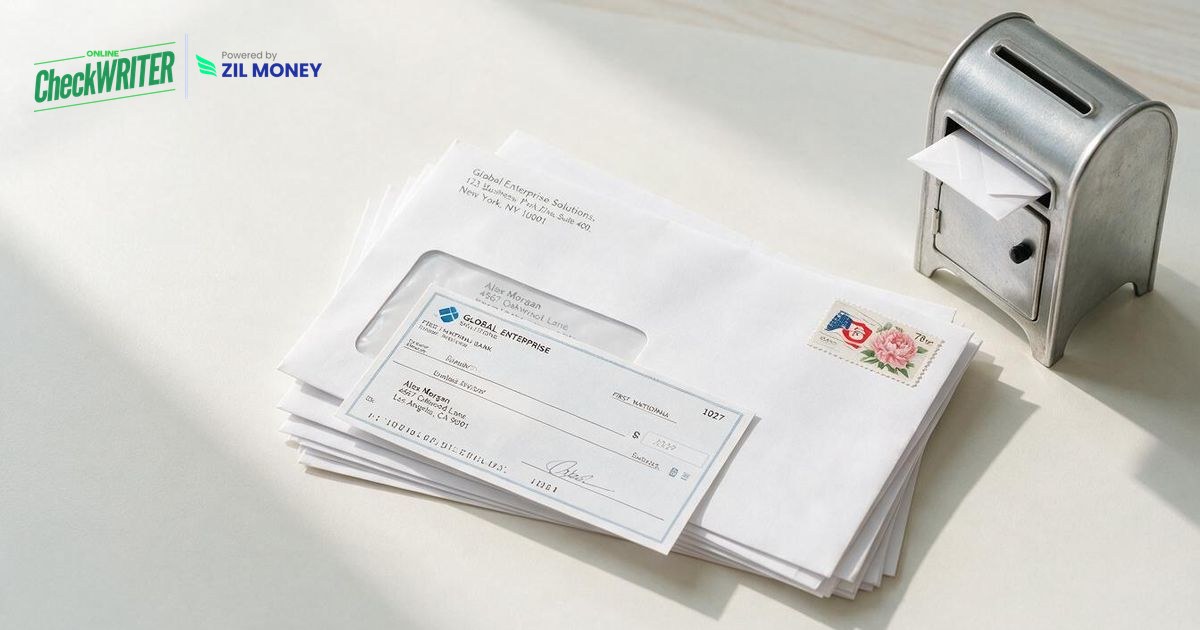
Submit the check for printing and mailing. Review the selected mailing method, cutoff time, estimated delivery. Explore Check Mailing

Send an eCheck
Send a printable eCheck by email when the payment and recipient requirements support that delivery method. The recipient receives the check. Learn About eChecks
Keep an Organized Record of Issued Checks
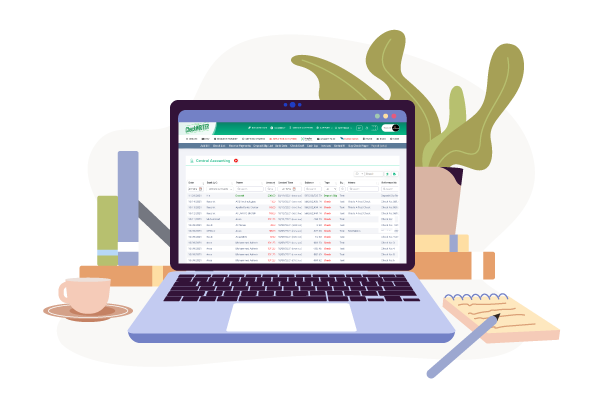
Saving issued-check records helps your team review previous payments, search for payees, track check numbers, and support reconciliation.
Role-based access and approval controls can also separate check creation from final payment approval where those features are enabled.
Our Features AP/AR
OnlineCheckWriter.com - Powered by Zil Money offers a wide range of payment features to make your business transactions secure and flexible. Now you can pay and receive payments with the easy-to-use software and dive into the journey.

Check Printing
Create and print business checks at your office desk with a drag and drop design.

ACH
Pay or get paid one-time or recurring ACH/RTP with low transaction fees.

Integration
Integrate with the top third-party applications.

Pay Bill
Pay Bills Online, Schedule them, Manage suppliers, and reduce risk.

Payments by Credit Card
Now pay by credit card even if they don't accept them.

Wire Transfer
Transfer money electronically from one financial institution to other.

Deposit Slips
Create & print the deposit slip of any Bank. Keep track & auto reconcile it.

Invoicing
Create invoice to your customer and send link through email.

Cloud Bank
Open an online checking account with no hidden charges.

Email Check
Send your checks as a one-time printable pdf with a tracking facility.

Payment Link
Create an HTML form or link to receive payments.

User/Approver
Give access to accountant or clients with a role based user and approval process.

Overnight Check Mailing
Overnight Check mailing without leaving your desk. We print and mail it by FedEx.

Digital Checks
Digitize your paper checks and make your payments via email or text.

Bank Data
Connect & reconcile, Categorize from Any Financial Institution automatically.

API/White Label
Interactive developer-friendly API. Complete white label solution.
FREQUENTLY ASKED QUESTIONS
Can I create and print my own business checks?
You can create checks from OnlineCheckWriter.com. Your paper, layout, printer.
Can I print checks from my home or office?
You can print checks from your home or office using compatible paper, a suitable check template, and compatible printer settings. Complete a test print to check alignment before issuing the final check.
Do I need preprinted checks?
Not always. You may use blank check stock or preprinted checks, printer setup, and selected template.
Can I print checks on regular white paper?
Yes, But do not assume that a check printed on ordinary white paper will be accepted by every bank or recipient. Acceptance and printing requirements vary. Confirm the appropriate paper and MICR setup with your financial institution before printing.
What information is included on a business check?
A business check generally includes the date, payee, numerical amount, written amount, check number, business information, bank information, account information, signature, and an optional memo.
Can I add my business logo?
Yes, You can add a business logo.
Can I mail a check after creating it online?
You can Create and mail the check online. A check-printing and mailing service may also be available. Review the mailing method, charge, cutoff time, and estimated delivery.
Can I send a check by email?
You can send a one-time printable eCheck by email.
Create Your Next Business Check Online
Select a check layout, add the payee and payment information, review the completed check, and choose whether to print, mail, or send it as an eCheck.